EasyManua.ls Logo

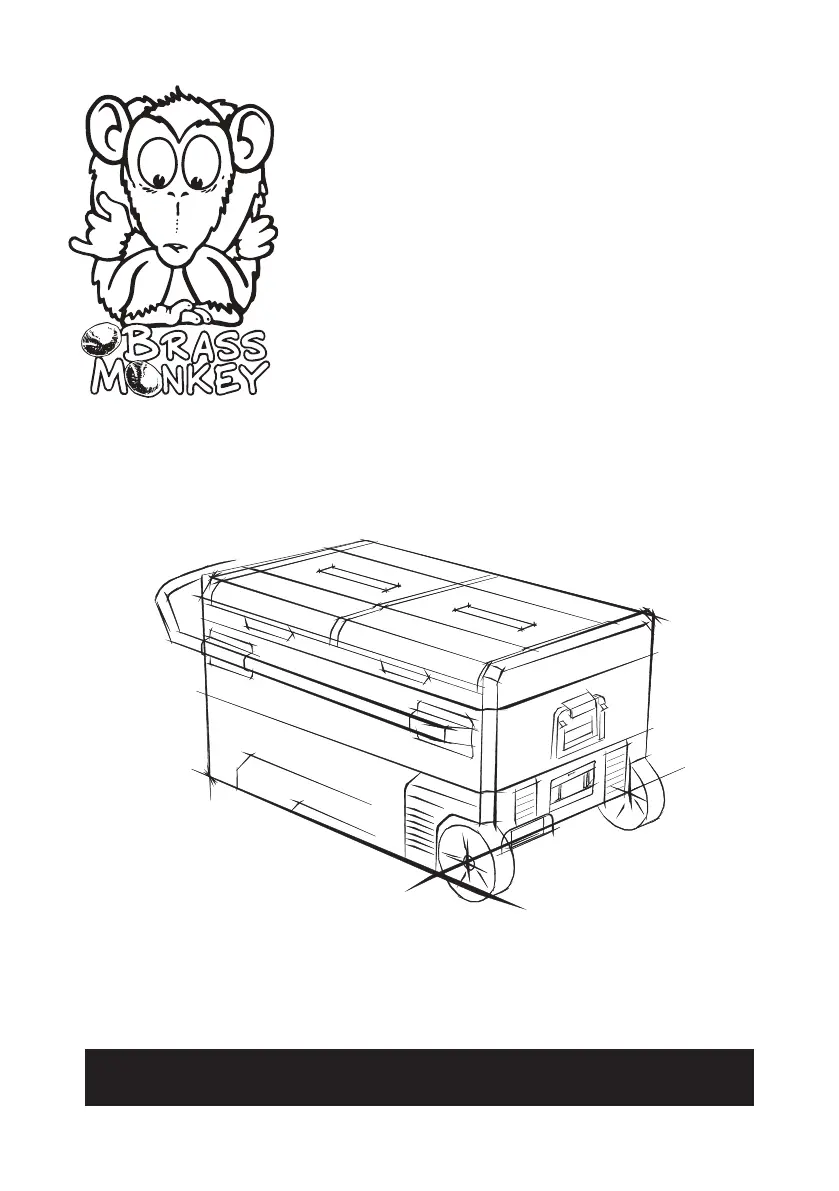
BRASS MONKEY GH2038 - User Manual

BRASS MONKEY GH2038
16 pages
Print Icon
To Next Page IconTo Next Page
Loading...
INSTRUCTION MANUAL
DUAL ZONE
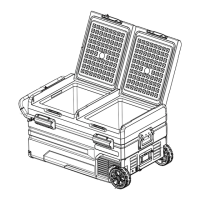
FRIDGE/FREEZER
GH2038
95L PORTABLE

Questions and Answers

  • L
    lindsey19Aug 16, 2025
    What does code F3 mean on my BRASS MONKEY GH2038?
    • K
      Kristen RamirezAug 16, 2025
      If code F3 is displayed on your BRASS MONKEY Freezer, it means the compressor is starting too frequently. Disconnect the power to the fridge for 5 minutes and then restart it. If the code reappears, contact the manufacturer for service.
  • A
    amandasmithAug 19, 2025
    Why is my BRASS MONKEY GH2038 not working?
    • F
      Frank GrahamAug 19, 2025
      If your BRASS MONKEY Freezer isn't working, check the following: * Ensure the switch is turned on. * Verify the plug is securely connected to the socket. * Inspect the fuse to see if it has blown. * Confirm the power supply is functioning correctly. * Note that frequent on/off switching may cause a start delay for the compressor.
  • J
    Judy ForbesAug 22, 2025
    What to do if my BRASS MONKEY GH2038 Freezer displays code Fl?
    • L
      Lisa RobertsonAug 22, 2025
      If code Fl is displayed on your BRASS MONKEY Freezer, it indicates low voltage to the fridge. To resolve this, adjust the battery protection setting from High to Medium, or from Medium to Low.
  • J
    Jeffrey TaylorAug 25, 2025
    Why are the compartments in my BRASS MONKEY GH2038 Freezer too warm?
    • J
      Jose HumphreyAug 26, 2025
      If the compartments in your BRASS MONKEY Freezer are too warm, it could be due to: * The lid being opened frequently. * Storing a large quantity of warm or hot food recently. * The refrigerator being disconnected for an extended period.
  • Y
    Yvette RivasAug 28, 2025
    What to do if food is frozen in my BRASS MONKEY GH2038?
    • N
      noblechristineAug 28, 2025
      If food is freezing in your BRASS MONKEY Freezer, the temperature setting is likely too low. Adjust the temperature to a higher setting.
  • T
    timothyphillipsAug 31, 2025
    What does code F2 mean on my BRASS MONKEY GH2038 Freezer?
    • H
      hollygoodmanAug 31, 2025
      If code F2 is displayed on your BRASS MONKEY Freezer, it indicates the condenser fan is overloaded. Disconnect the power to the fridge for 5 minutes and then restart it. If the code reappears, contact the manufacturer for service.
  • L
    lucasmcconnellSep 3, 2025
    What does code F4 mean on my BRASS MONKEY Freezer?
    • J
      Jimmy MoodySep 3, 2025
      If code F4 is displayed on your BRASS MONKEY Freezer, it indicates the compressor is not starting. Disconnect the power to the fridge for 5 minutes and then restart it. If the code reappears, contact the manufacturer for service.
  • E
    Elizabeth GravesSep 6, 2025
    What does code F5 mean on my BRASS MONKEY GH2038 Freezer?
    • J
      Jillian PetersonSep 6, 2025
      If code F5 is displayed on your BRASS MONKEY Freezer, it indicates overheating of the compressor and electronics. Disconnect the power to the fridge for 5 minutes and then restart it. If the code reappears, contact the manufacturer for service.
  • C
    cvillarrealSep 8, 2025
    What does code F6 mean on my BRASS MONKEY GH2038?
    • D
      Daniel BrownSep 8, 2025
      If code F6 is displayed on your BRASS MONKEY Freezer, it means no parameter can be detected by the controller. Disconnect the power to the fridge for 5 minutes and then restart it. If the code reappears, contact the manufacturer for service.
  • L
    larsonmallorySep 12, 2025
    What does code F7 or F8 mean on my BRASS MONKEY GH2038?
    • J
      Jeffery BartlettSep 12, 2025
      If code F7 or F8 is displayed on your BRASS MONKEY Freezer, it indicates that the temperature sensor is faulty. Contact the manufacturer for service.

Summary

Warnings & Safety Information

Warnings

General safety precautions for appliance operation.

Caution

Safety advice regarding repairs and child usage.

Before First Use

Features

Box Contents

Product Diagram

Product Dimensions

Operation

How to Turn on the Fridge

Step-by-step guide for powering on and operating the fridge.

Power Supply and Charging

Power Supply Options

Details on powering the refrigerator via DC or AC sources.

Battery Charging Methods

Information on different methods for charging the optional battery.

Battery Operation

Battery Longevity Tips

Advice on optimizing battery life and usage efficiency.

Solar Panel Charging

How to connect and use a solar panel for charging.

Checking Charge Status

Method to monitor the battery's charging status on the display.

AC Charging Management

Car Cigarette Lighter Charging Management

Solar Charging Management

Battery Usage

Maintain Battery Charge

Steps for charging the battery in different environments.

Extended Battery Usage Tips

Tips for maximizing battery use during trips and storage.

Food Storage

Freezer Storage Guidelines

Guidelines for storing food items in the freezer compartment.

Refrigerator Storage Guidelines

Guidelines for storing food items in the refrigerator compartment.

Troubleshooting

Common Operational Issues

Troubleshooting for common problems like no power or temperature issues.

Error Code F1

Solution for error code F1 related to low voltage.

Error Code F2

Solution for error code F2 related to condenser fan overload.

Error Code F3

Solution for error code F3 related to frequent compressor starts.

Error Code F4

Solution for error code F4 related to compressor not starting.

Error Code F5

Solution for error code F5 related to compressor overheating.

Error Code F6

Solution for error code F6 related to controller parameter detection.

Error Code F7 or F8

Solution for error codes F7/F8 related to faulty temperature sensor.

Specifications

Capacity and Temperature Range

Details on storage volume and operating temperature range.

Power and Electrical Specifications

Information on voltage input, current ratings, and power supply.

Physical and Performance Specs

Details regarding refrigerant, consumption, weight, and dimensions.

Cleaning, Care, Storage & Maintenance

Cleaning Instructions

Instructions for cleaning the appliance safely and effectively.

Storage Guidelines

Steps for storing the appliance when not in use.

Defrosting Procedure

Procedure for defrosting the cooling device to maintain performance.

Smart Control - Fridge App Instructions

Downloading the BRASS MONKEY Application

Guide to acquiring and installing the mobile application.

Warranty Information

BRASS MONKEY GH2038 Specifications

General IconGeneral
Capacity95L
Temperature Range-20°C-20°C (with an ambient temperature at 25ºC)
Voltage Input12-24VDC
Average Power Consumption:0.3kW.h/24hr (Varies with ambient temperature)
Rated Current for AC (Adaptor):1.5A - 0.7A
Rated Current for DC:6.0A(12V)/3.0A(24V)
Power Supply12/24VDC (Car Charger) 240VAC to 12VDC (Mains Power Adaptor)
RefrigerantR134a
Weight and Dimensions IconWeight and Dimensions
Net Weight26.5 kg
Gross Weight29.3 kg
Dimensions896(L) x 462(H) × 571(D)mm

Related product manuals