Page 5For technical questions, please call 1-888-866-5797.Item 58488
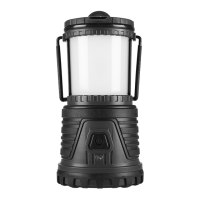
Charging
Read the ENTIRE IMPORTANT SAFETY INFORMATION section at the beginning of this manual
including all text under subheadings therein before set up or use of this Lantern.
1. If the Power Indicator blinks, its an indication
that the Lantern must be recharged.
2. Recharge the Batteries by using the included
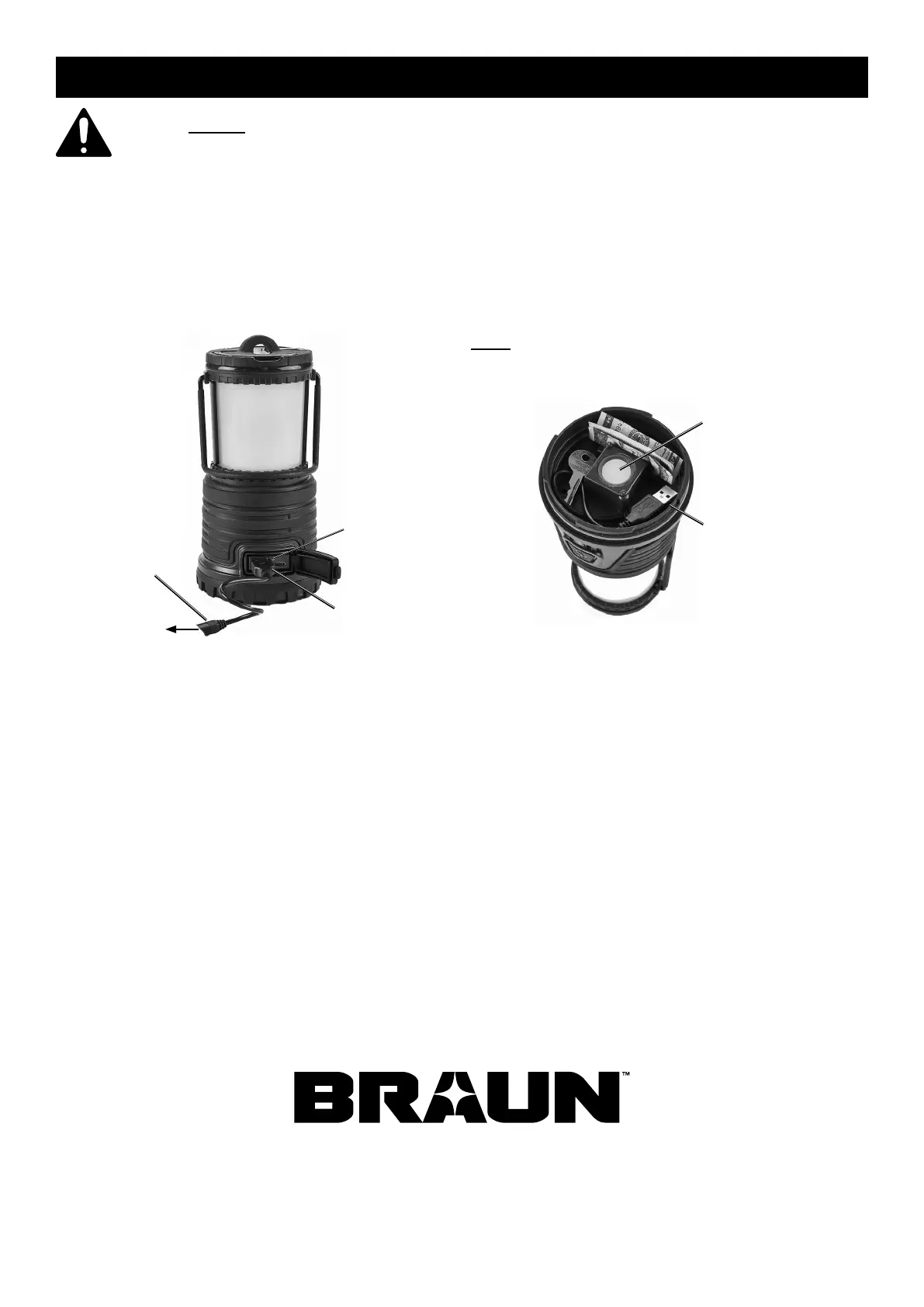
DC Adapter cable. Pull back the Charging Port Cover
and plug the cable into the Charging Port. Connect
the other side of the cable to a 5VDC power source
(such as the USB connector on a computer).
Charging
Port
DC Adapter
To 5VDC
Charge
Indicator
3. Turn the Lantern off.
4. It will take approximately 8 hours to fully
charge the Lantern’s batteries.
5. The Charge Indicator next to the Charging Port
will illuminate red when the batteries are charging
and will change to green when fully charged.
6. When fully charged, disconnect the DC Adapter
cable. Be sure to close the Charging Port Cover
securely to avoid water intrusion. Store the
DC Adapter in the Lantern’s Storage Compartment.
Note: Twist of the bottom of the Lantern to remove cover
and gain access to the Storage Compartment. Be sure to
screw the cover back on tightly to avoid water intrusion.
Storage
Compartment
Bottom Light
7. To prevent accidents and preserve charge in the
Batteries, turn the Lantern off after use. Clean, then
store the Lantern indoors out of children’s reach.


 To Next Page