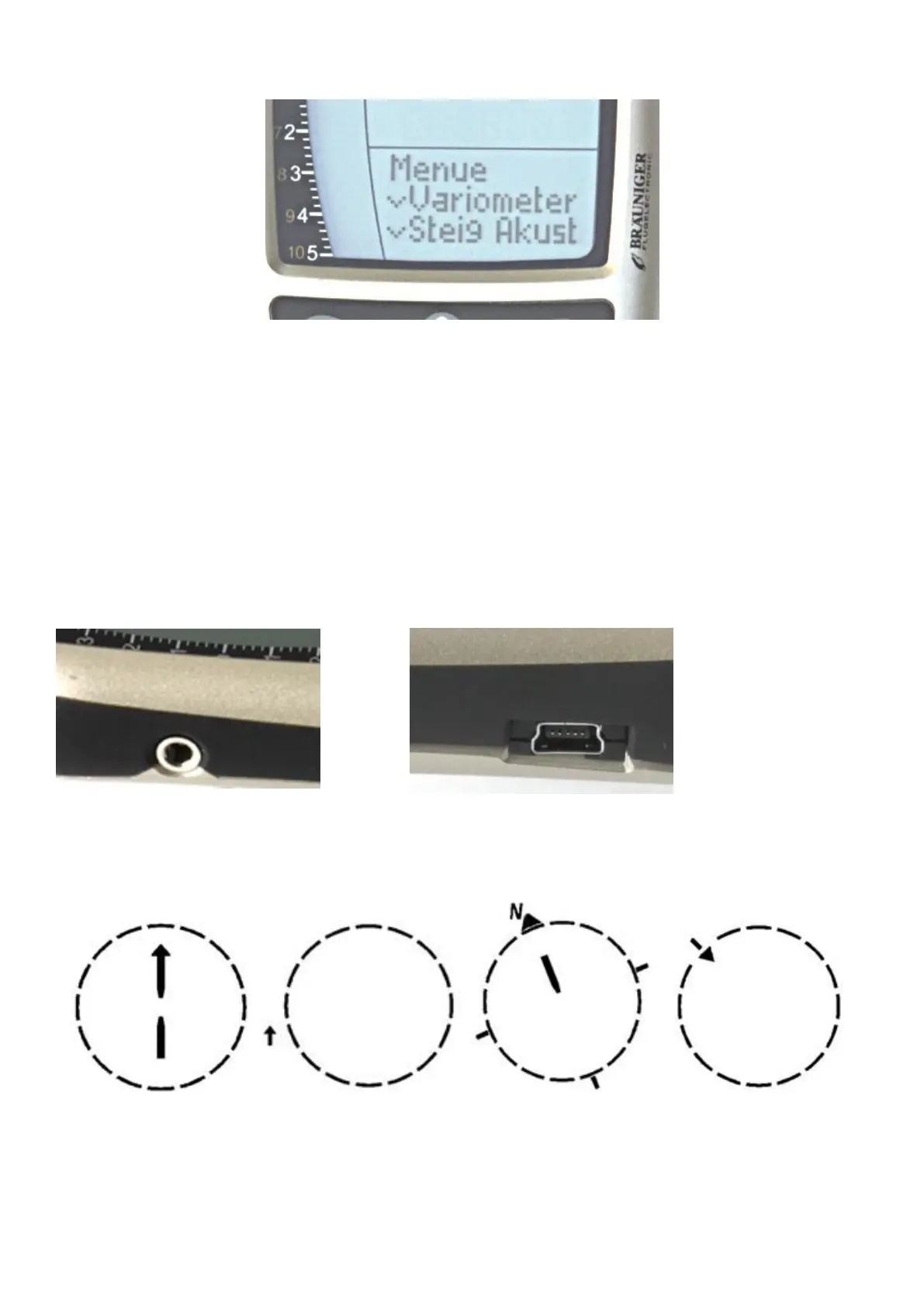
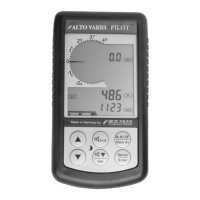
The sub menus are mostly self-explanatory
The yellow marked functions on the keys 2 ± 3 ± 4 ± 5 are future options and at moment not available. These
will be enabled with a later firmware update.
6. Sink-alarm, special-menu F1
Longer pressing key 4 = F1 will enter a special menu for adjusting a sink alarm, or switching it off. A short
pressing F1 again will enter the adjustment range.
7. Connectors on the instrument side
Phone jack = for optional speed probe Mini -USB = Data transfer to PC
8. Diagram of arrows on the compass-rose
Bearing indicator direction to last thermal compass-north wind - direction


 To Next Page