TURN ON & BLUETOOTH PAIRING
To get started press the power
button for 2-3 seconds. When
you release the power button you
will hear the BRAVEN power-up
drone. (When you’re fnished
listening press the same button
again for 2-3 seconds to turn your
BRAVEN off.)
In order to pair your BRAVEN to your cell phone, tablet,
or other Bluetooth enabled source (hereafter referred
to as a “device”), frst activate Bluetooth on the device
(see your device’s instruction manual for information on
activating its Bluetooth settings).
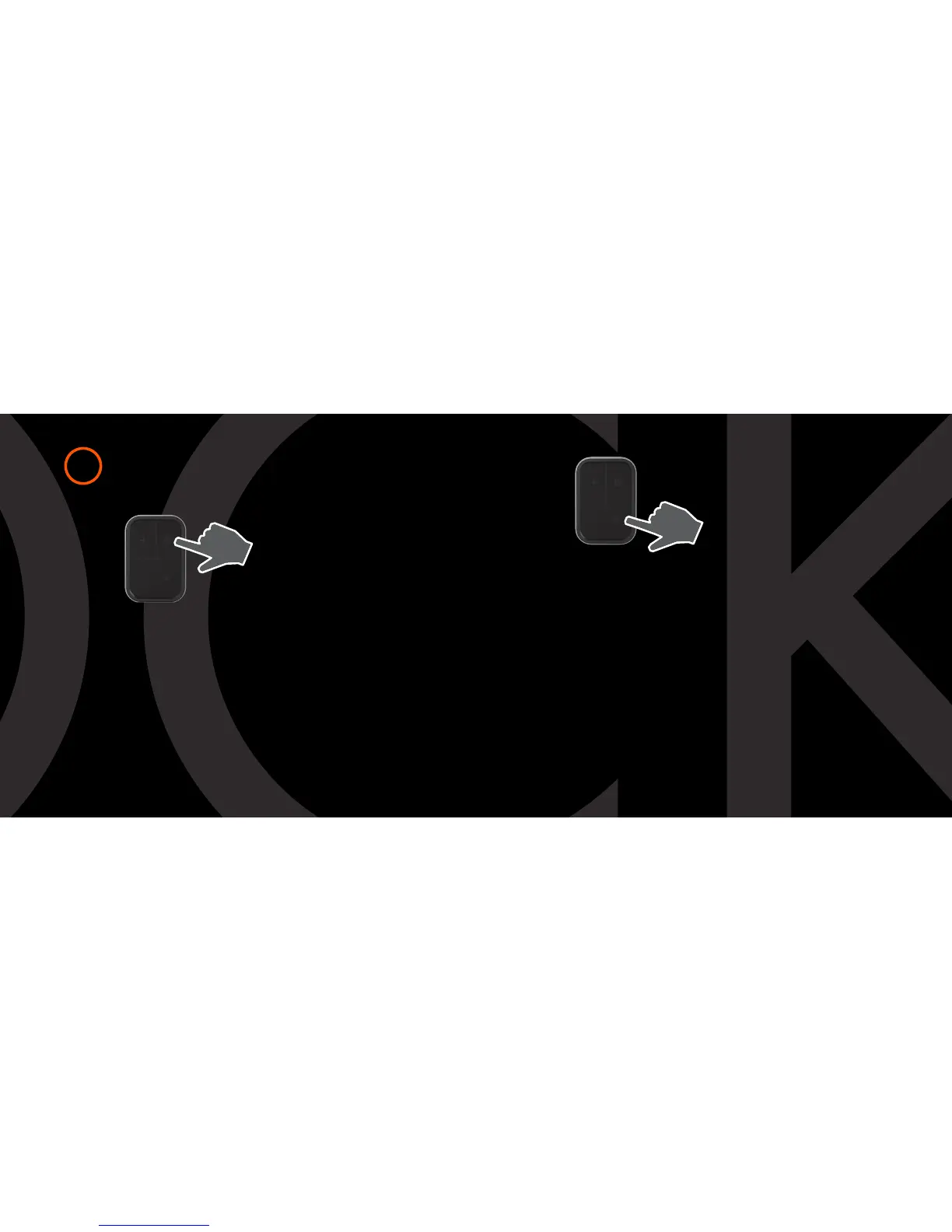
Then press and hold the play button on your BRAVEN
until you hear the BRAVEN pairing call.
1
Next go to your device’s
Bluetooth settings and select
“B710” from the list.
(If asked for a passcode enter
“0000”) Your BRAVEN will
remember the last 8 devices it
has paired with.
PAIRING WITH NFC
If your device is NFC enabled, you can quickly pair via the
B710 speaker’s “NFC Deck”. First, ensure that
NFC on your device is turned on. Then place your NFC-
enabled device directly over the NFC logo on the base of
the B710 speaker. Hold it in place until you see
a prompt on your device asking you if you want to pair to
the B710 speaker. You may need to adjust the
positioning of the device on the NFC Deck to ensure the
device’s internal NFC transmitter aligns with the B710
speaker’s internal NFC receiver.


 To Next Page