ENGLISH | 5
SPEAKERPHONE
WATERPROOF FEATURES
RESETTING YOUR BRAVEN
USING BRAVEN VOICE CONTROL
Press the mic button on your BRAVEN to answer and end calls over the speakerphone.
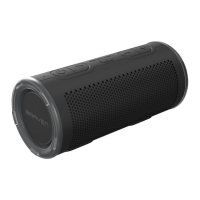
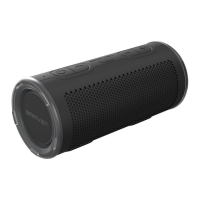
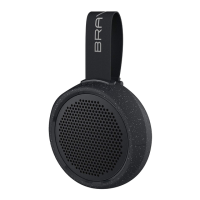
The BRAVEN STRYDE is IP67 waterproof certified, designed to withstand rainfall, waterjets, splashing or a dunk in
up to 3ft / 1m of water for up to 30 minutes.
IMPORTANT: Ensure your BRAVEN STRYDE is prepared for use in a wet environment by removing all cable
connections and tightly sealing the port cover. If the cover is not securely fastened, your BRAVEN may sustain
water damage.
Turn your BRAVEN on. Press the reset button under the back cover for 8-10 seconds to restore your speaker to its
original settings.
Use Siri or Google voice assistant by short pressing the mic button on your BRAVEN. Give a command through the
speaker to make calls, dictate messages and more.



 To Next Page