8
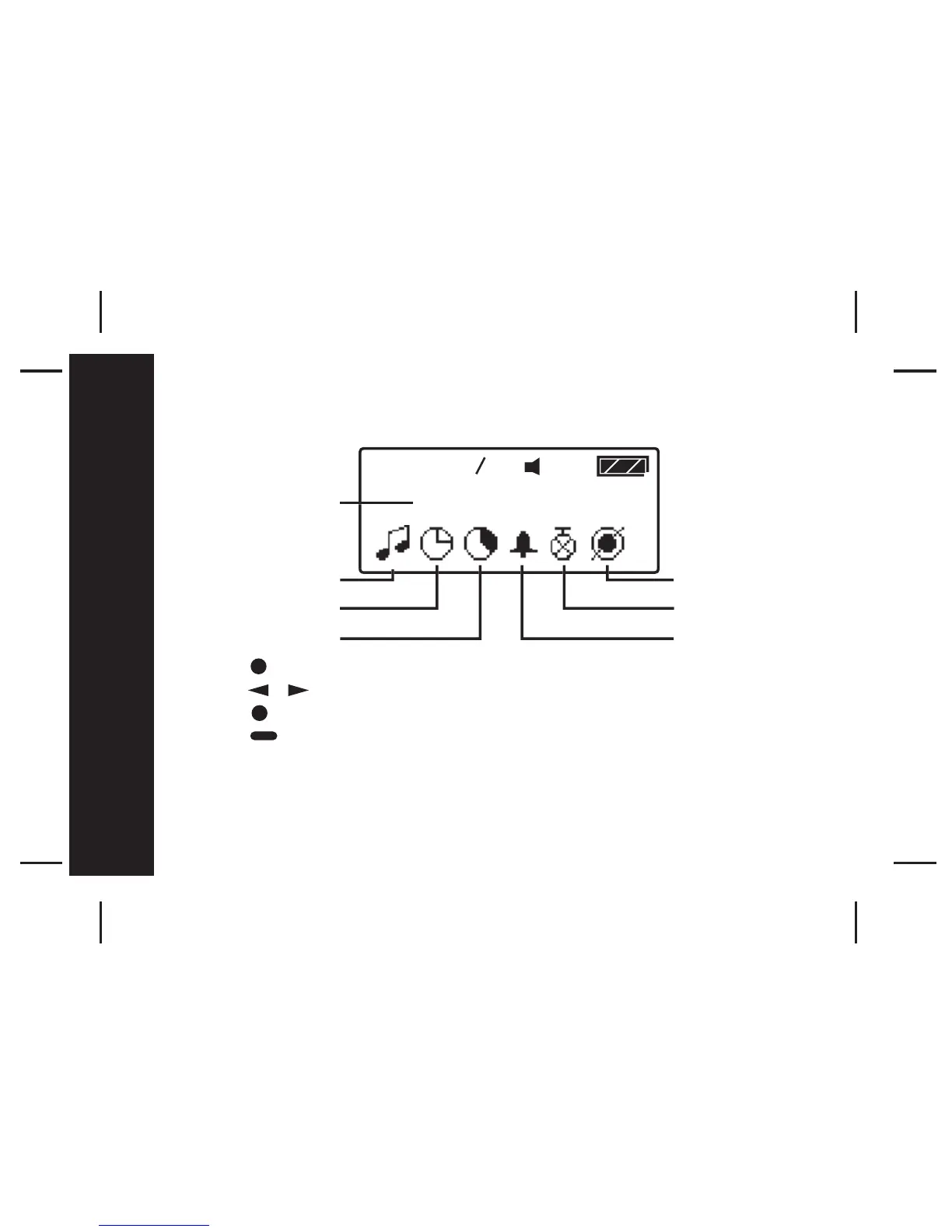
Function Menu
- Press to enter the Function Menu screen from the Main Menu screen.
- Press to move to the previous/next Function Menu icon.
- Press to enter the current selected function sub-menu.
- Press to cancel and return to the Main Menu.
Pager Tips
After 16 seconds of inactivity on any screen, the pager returns to the
standby screen without saving changes.



 To Next Page