21
DVD/VCD/CD/MP3/MP4/XVID OPERATION
5. Stop playing
When playing MP3 files, press the STOP button to stop playback.
6. Pause playback
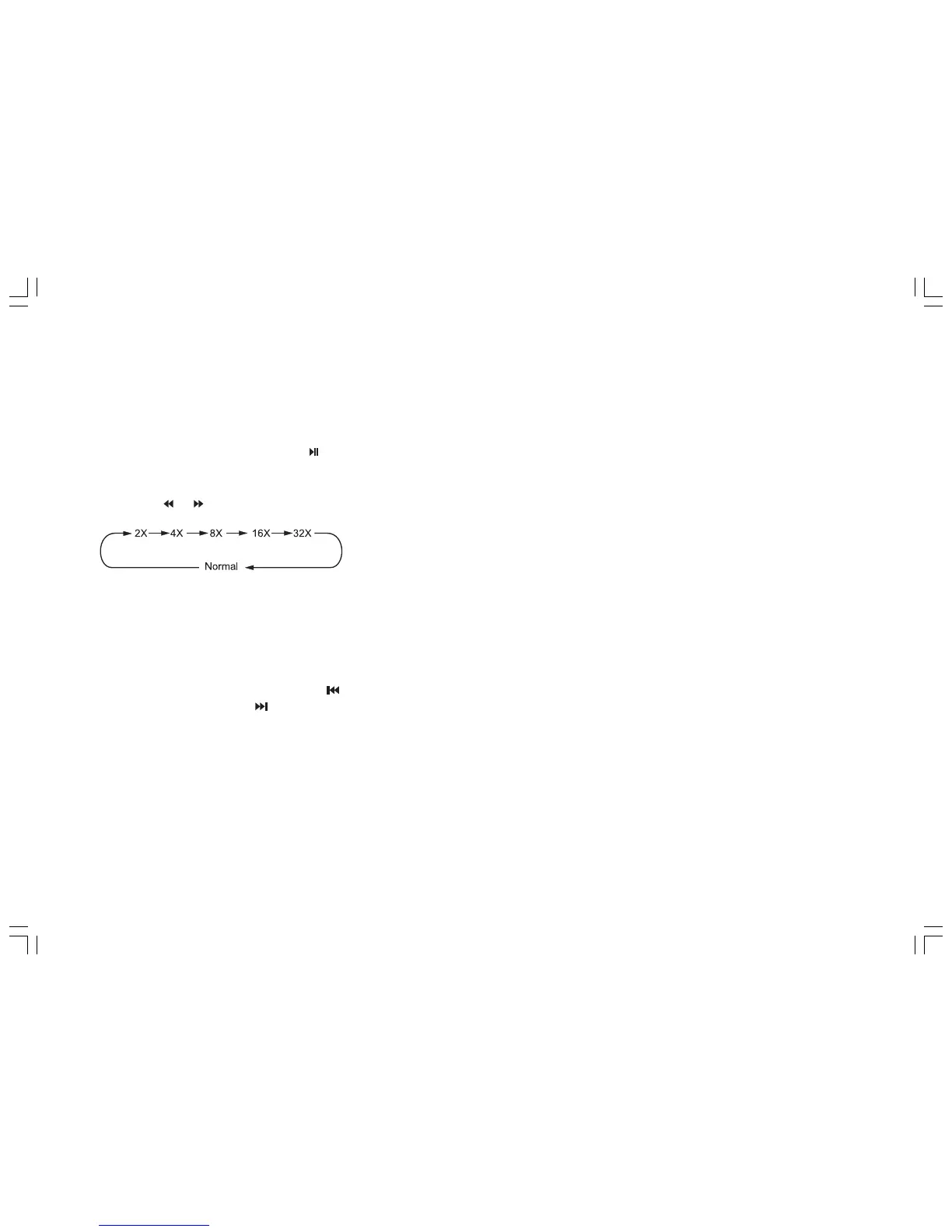
When playing MP3 files, press the button on the main unit or the PLAY button on the remote control to switch between play and
pause.
7. Skip backward/forward/F.F/F.REW playback
Press the or button on the remote control to perform fast rewind or fast forward.
VCD/CD
1. Playing a VCD/CD
Insert a VCD/CD disc into the slot. The unit will automatically switch on. If a disc is already loaded, press the PLAY button to start
playback.
2. Quick track selection
During VCD/CD playback, first press button to return to the beginning of the current track. Press this button again to play the
previous track. Press the button to play the next.
3. Repeat play
During VCD/CD playback, repeatedly press the RPT button on the remote control to repeat a track. Press it twice to repeat the disc.
And press it for the third time to cancel this function.
Note:
• The RPT button on the main unit performs the same function.
• By default, repeat play is switched off.


 To Next Page