22
DVD/VCD/CD/MP3/MP4/XVID OPERATION
4. Play track at random
During VCD/CD playback, press the RDM button on the remote control to play any track at random. Press this button again to
return to normal play.
Note:
• This function can only be operated by using the remote control.
5. Number buttons
Use the number button to select a track to play.
Note:
• This function can only be operated by using the remote control.
6. Stop play
During VCD/CD playback, first press the STOP button to stop playback. Press the PLAY button to resume play. Press the STOP
button twice to stop playback completely.
Note:
• This function can only be operated by using the remote control.
7. Pause playback
During VCD/CD playback, press the PLAY button to switch between play and pause.
8. Skip backward/forward/F.F/F.REW playback
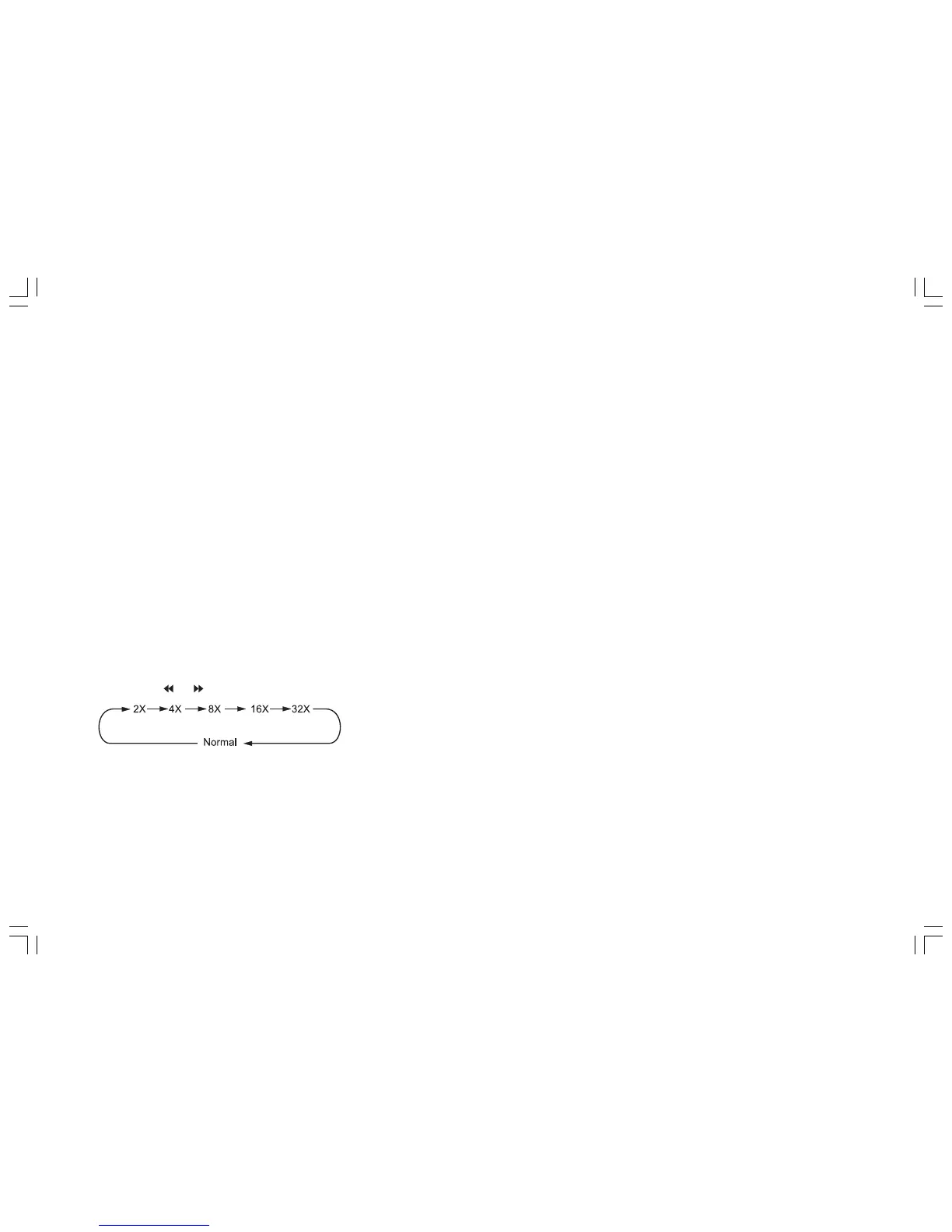
Press the or button on the remote control to perform fast rewind or fast forward.


 To Next Page