-7-
Locate the Plug Connector [17] on the FC-10A Fan
Controller labeled Power In and connect it with the
2-plug connector on the WH-10A Communication
Cable with the same label. Repeat process with the
2-plug connectors labeled Power Out.
►
If the solar panel on your Attic Breeze fan is
exposed to sunlight, the Solar Panel Power LED
Indicator [15] on the FC-10A Fan Controller will be
illuminated. If the LED indicator is not illuminated,
verify that the plug connectors are properly matched
and secured.
!
Using the Network Channel Selector [20], assign the
next available wireless network channel address to the
FC-10A Fan Controller. If this is the first controller
installed, set the selector dial to channel one.
►
Each installed FC-10A Fan Controller must be
assigned a unique wireless network channel
address for proper operation.
!
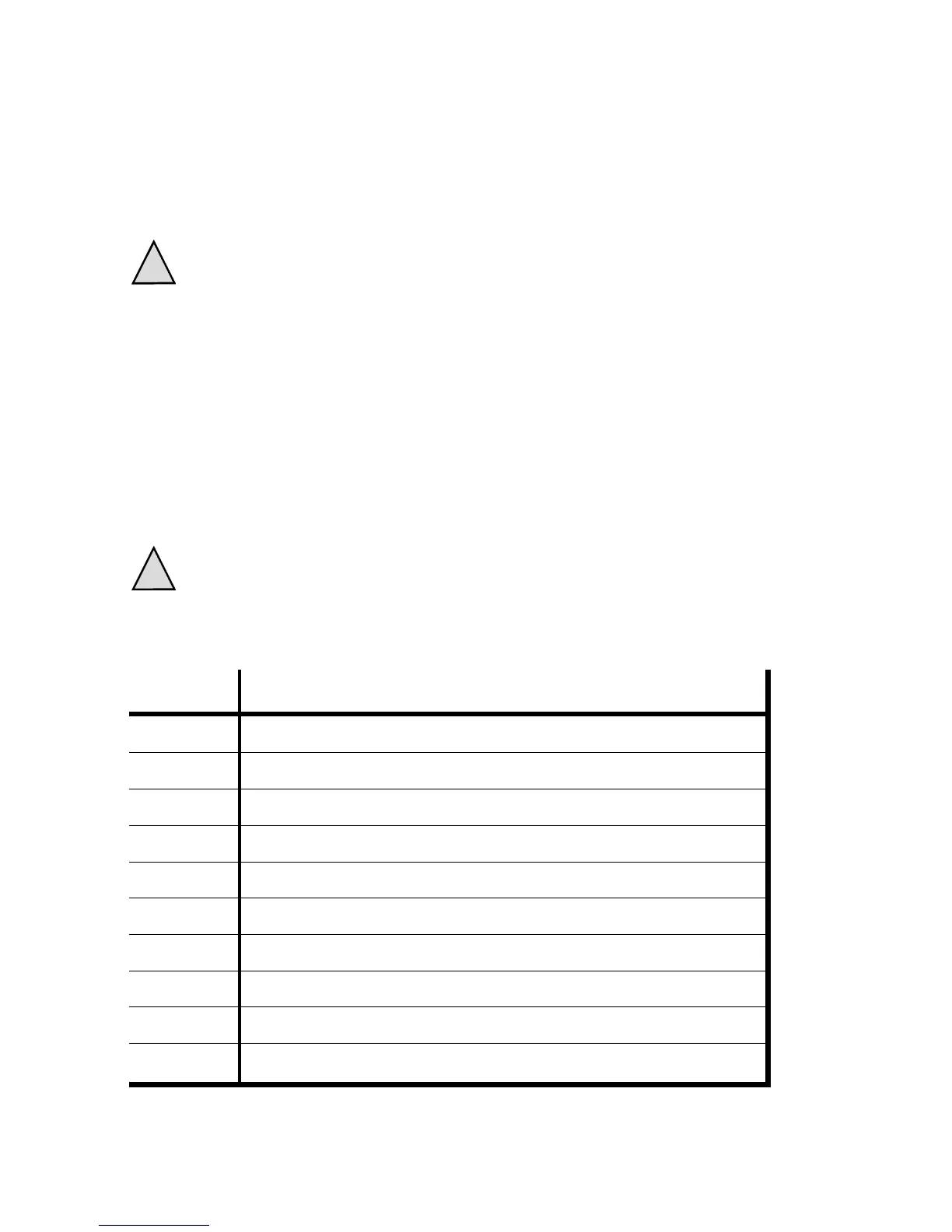
Channel Fan Controller Location
1
2
3
4
5
6
7
8
9
10


 To Next Page