8
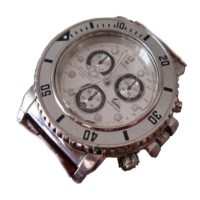
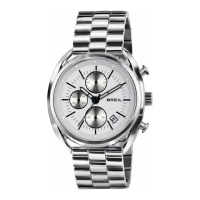
1. Pull out the crown to position (1).
2. Turn the crown counter clockwise to adjust the hours and minute hands.
3. Put the crown
back to position (0).
SETTING THE TIME*D
* Important
If your watch comes with a screw crown, this must be unscrewed before setting the
time and date and then screwed back in completely once these operations have been
completed. In this way, it is possible to avoid dirt or liquid infiltrations that could
damage the movement and waterproof properties of the watch.
Never use the rapid date and day setting function (where available) between 8 p.m. and
2 a.m. Any attempt to turn the crown clockwise or anti-clockwise at this time could
damage the movement of the watch.



 To Next Page