Please charge the scale as soon as the low battery warning
comes on instead of waiting until complete battery depletion.
The scale is equipped with over charging protection but it is
recommended to disconnect the scale once it is fully charged
to prevent damage to the battery.
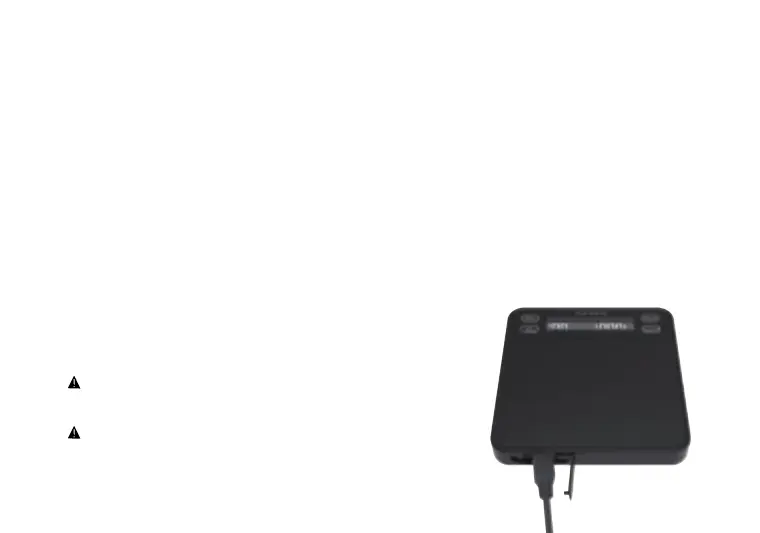
Open the USB port cover and insert the micro USB cable into the
charging port.
Insert the other end of the charging cable into a computer, charging
block or other USB charging device to charge your scale.
•
The scale will automatically display your charging status.
The scale is not available for use during charging to avoid
inaccurate weighting and the display screen stays lit to
display the charge status.
• The scale is fully charged when the battery icon shows full bars.
❶
❷
❸



 To Next Page