Live Tracker will open up a separate window displaying your device’s location,
as well as allow you to see past locations. Using the drop-down boxes on the
bottom right of the window, you can adjust how often your screen refreshes
and how many locations will appear on the screen. The counter on the bottom
left of the window displays how long it will be until your screen refreshes.
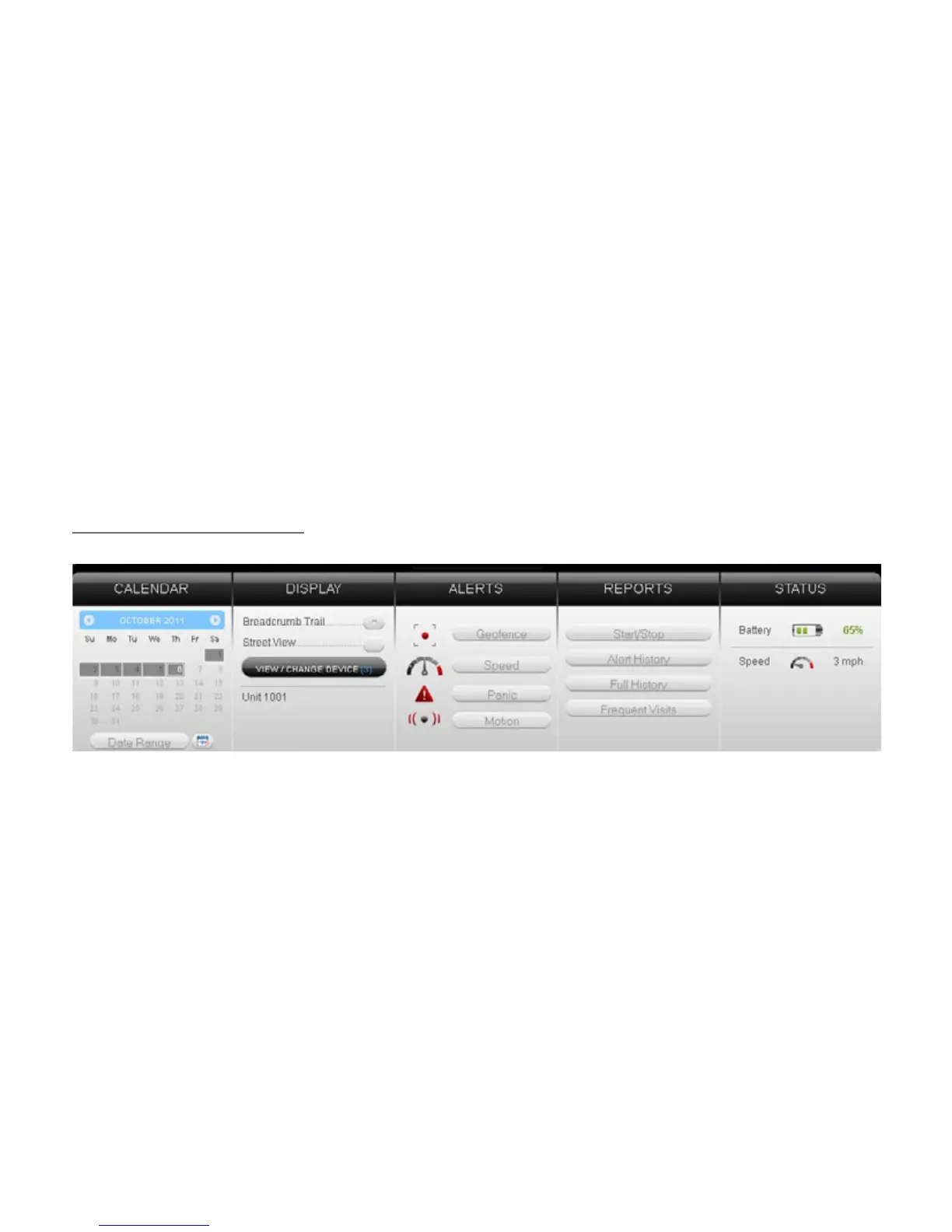
Using the Dashboard
The Calendar allows a user to choose from which dates information can
display. Any date that has tracking information will be highlighted. Simply
click on that date to display information. To choose multiple days, click on the
Date Range button, input a start and end date, and press Search. Press the


 To Next Page