Need help?
Do you have a question about the Brickhouse Security Livewire and is the answer not in the manual?
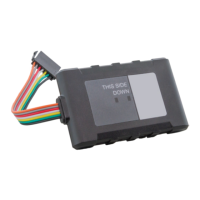
Detailed description of harness wires, colors, and their corresponding functions.
Guidance on activating the device and installing it into a vehicle.
Instructions on accessing and using the web-based tracking platform with Google Maps.
Details on utilizing the dashboard for managing data, including calendar and breadcrumb views.
Configuration of geofences and setting up various alert types for device monitoring.
How to run and interpret different reports and access historical data.
Steps to change the user account password for the tracking system.
 General
| Brand | Brickhouse Security |
|---|---|
| Model | Livewire |
| Category | GPS |
| Language | English |

 To Next Page