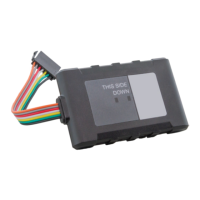
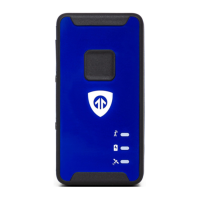
The Livewire does not take advantage of the BrickHouse Tracking platform’s
Panic alert function.
The Power Alert button is used for GPS devices with a battery. This device is
hardwired and runs on your vehicle’s power, so disregard this button.
You can run four different types of reports, listed below. To run one, select a
report type, choose the device on which you would like to run a report from
the dropdown box, choose the dates you would like to run your report on in
the upper right corner, and press the magnifying glass search icon. You can
export any generated reports to Microsoft Excel by clicking on the export
button in the upper right corner of the window.
Start/Stop reports will list trips between stopping points, with starting and
ending locations, as well as speed information, trip duration, stop time, and
the distance traveled.


 To Next Page