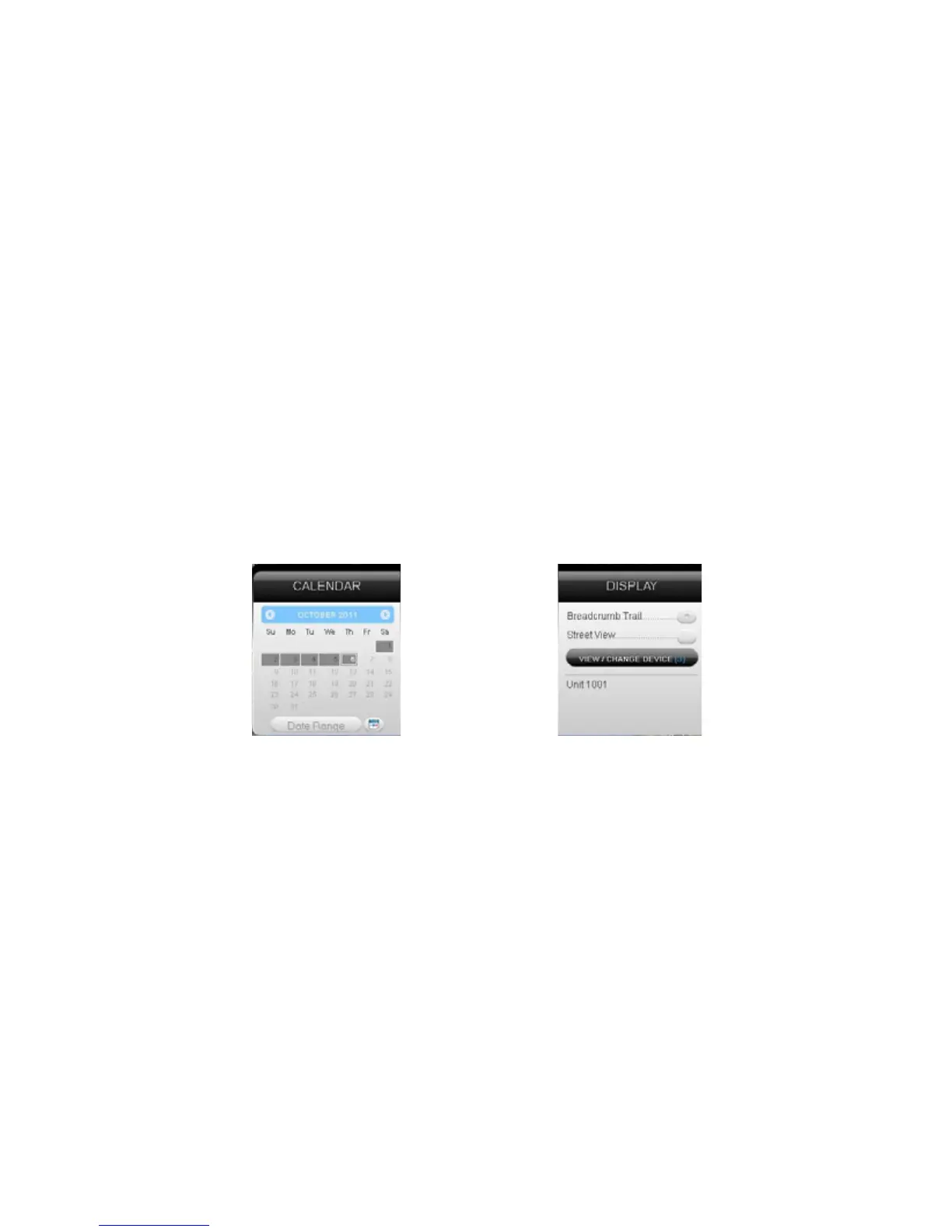
Current Date button to return to viewing the current day’s information. When
searching by date, all locates generated in the chosen timeframe will display
as breadcrumbs.
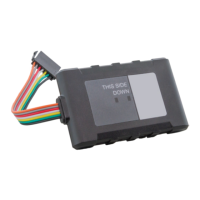
Under the Display section you can see a list of all devices currently displaying
information on the map. Click on the View/Change Device button to choose
which of your devices will display on the map. This button only serves a
purpose if there are multiple devices on your account.
Breadcrumb Trail will display all locates, or breadcrumbs, generated on
the date you currently have displayed, connected by a line. Click on any
individual breadcrumb to see detailed information. The BrickHouse shield icon
represents the start and stop of a trip, green circles mean the device was
moving with the arrow indicating direction, and red octagons indicate stops.


 To Next Page