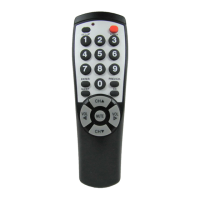
Need help?
Do you have a question about the Brightstar BR100B and is the answer not in the manual?
Returns the remote to its pre-programmed state for a specific brand.
Method to program the remote when the TV code is not listed or doesn't work.
 General
| Brand | Brightstar |
|---|---|
| Model | BR100B |
| Category | Remote Control |
| Power Source | Battery |
| Number of Batteries | 2 |
| Buttons | Power, Menu, Input, Volume Up, Volume Down, Mute, Navigation Arrows, OK, Back |

 To Next Page