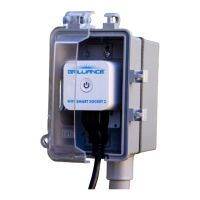
WI-FI SMART SOCKET 2
SET UP INSTRUCTIONS
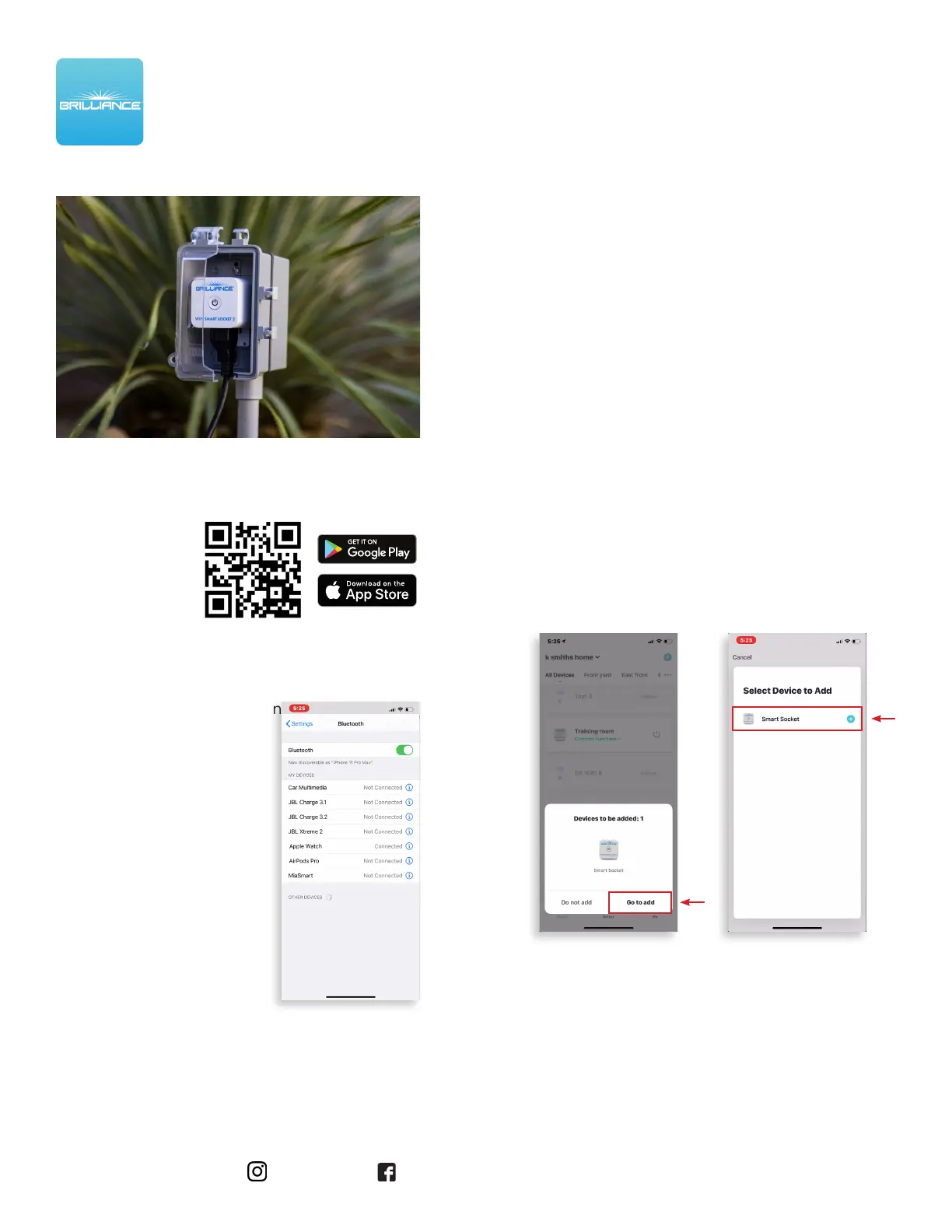
1. Download “Brilliance Smart” from Apple
App Store or Google Play by scanning the
QR code. Register for an account if you are a
first time user.
4. Connect to the transformer, hold the power
button down for 5 seconds, the light will
start to blink rapidly.
2. In your phone’s settings and make sure
Bluetooth is turned on.
3. Open the Brilliance Smart app. When device
is connected via Bluetooth, tap Go To Add,
then select Smart Socket.
To add via Wi-Fi, connect the Smart Socket
and your phone to the same 2.4ghz Wi-Fi
router. Then tap the plus (+) at the upper
right corner and select Smart Socket.
Brilliance | brillianceled.com | 800.867.2108
Follow us on social media: brilliance.led Brilliance LED, LLC
Continued on the next page
ORIGINAL
ORIGINAL
ORIGINAL
ORIGINAL
ORIGINAL


 To Next Page
 Loading...