8
Live View & Capture Photo
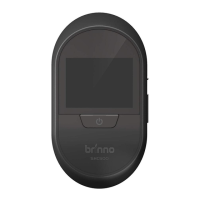
1. Turn on the display by pressing
the POWER BUTTON.
Press the POWER BUTTON to
view and capture visitor images.
2
1
ZoomZoom
3
The display will be
automatically turned o
to save power if the camera
is not in use for 10 secs.
Power Saving Mode
3. Press POWER BUTTON again to
zoom in and out on the camera.
2. The LCD Panel Screen will display
who is at the door.


 To Next Page

