TIME LAPSE CAMERATLC 300 User manual10
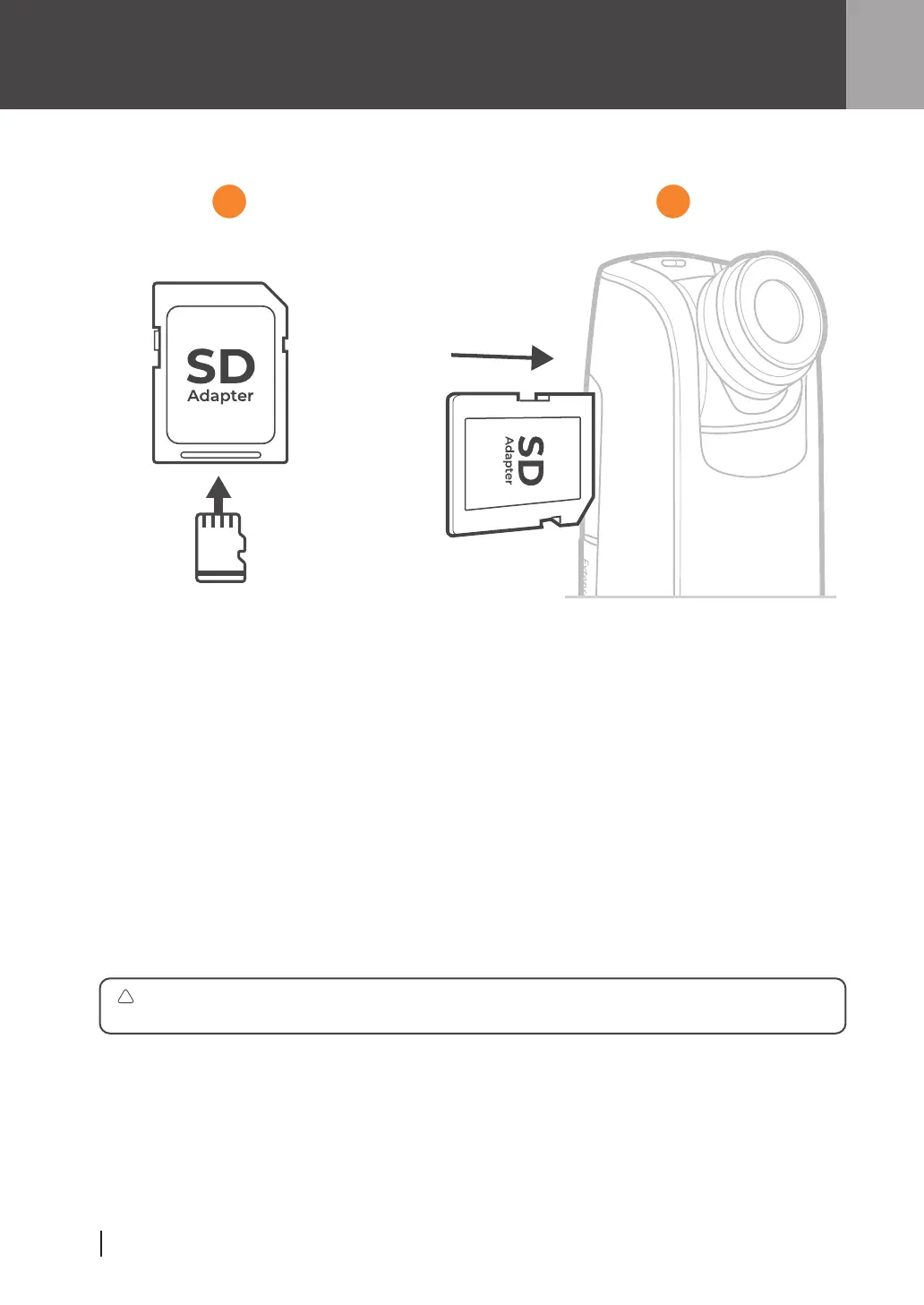
Install SD Card (Format SD Card)
1
2
Insert micro SD card into SD card adapter.
Open memory card cover and insert SD card adapter.
Supports up to 128GB SD card (minimum class 10). For 64GB or 128GB SD card,
follow instructions on LCD screen to format the card before using it the first time.
!
1 2



 To Next Page