15
Brushing Modes
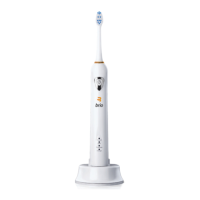
• The Brio SmartClean oers three dierent brushing modes
for diering oral care needs:
• Normal Mode - Exceptional cleaning power for
experienced sonic toothbrush users
• Soft Mode - Gentle, yet thorough cleaning for sensitive
areas or new sonic toothbrush users
• Massage Mode - Gentle stimulation of the gums
How to Switch Between Brushing Modes
• Power On/O and brushing mode selection are controlled
by the power button. Pressing this button will cycle
through the modes in order. Pressing the button again will
turn o the toothbrush.
• The SmartClean 201 automatically starts in the Normal
mode when pressing the power button once.
Using the Brio SmartClean |


 To Next Page