ENGLISH 7
Green light: The BRITA On Tap water filter is working.
Yellow light: 90% of the filter capacity has been used.
Remember to buy a new replacement
filter cartridge.
Red light: The filter cartridge needs to be changed.
BRITA recommends that you change the filter cartridge
after 1200 litres of water has been filtered. Irrespective of
the filtered volume, the cartridge should be changed after 4
months of use. The red light comes on if the water quantity
or time period has been exceeded.
When the red light in the top cap starts to blink during
filtering the cartridge should be changed. Proceed as
follows:
J
I
B
7
Step 1:
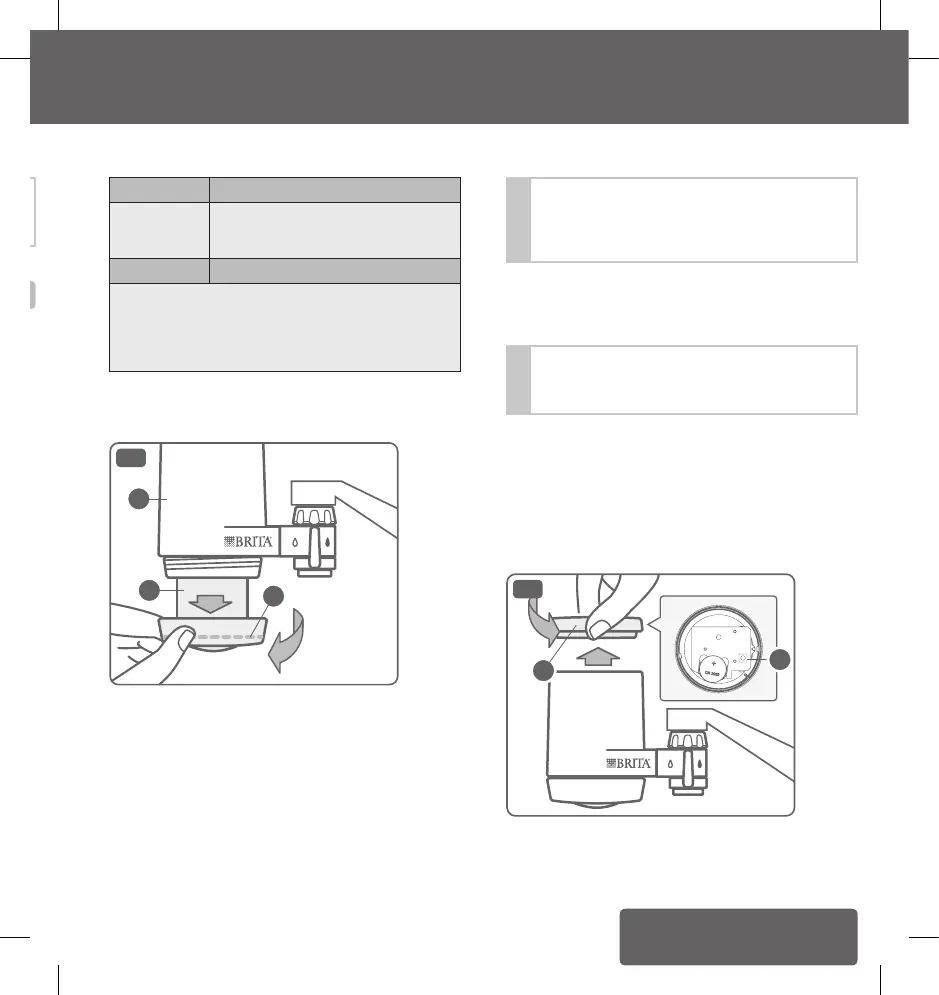
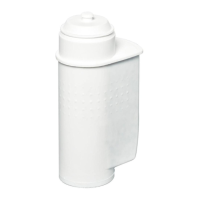
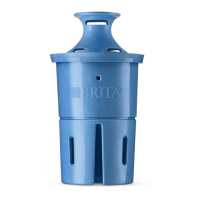
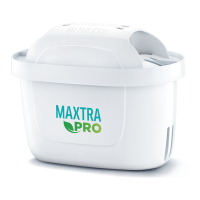
The filter cartridge is attached to the base of the housing
(B). Screw the exhausted filter cartridge (I) to the left.
Unscrew it and pull it downwards and out of the housing.
The housing may still contain water, which will now leak
out. The exhausted filter cartridge can be disposed of with
normal domestic waste.
!
If you have any difficulties unscrewing the cartridge,
please do not use any tools. Use a towel to give you
a firm grip as you unscrew the cartridge this will
prevent your hand from slipping.
Step 2:
Guide the new filter cartridge from below, into the housing
and screw it tight (clockwise). Hand tighten only.
!
When inserting the new cartridge, make sure that
the round, black O-ring seal (J) fits evenly inside the
filter cartridge cap (see Fig.7).
Step 3:
The electronic cartridge change indicator in the top cap (H)
has to be reset every time you change the filter cartridge.
To do this, turn the top cap carefully to the right and pull
it upwards and off (see Fig.8 below). To reactivate, push
the button (K), then reinsert the top cap and tighten it. The
three lights will blink twice consecutively. The display has
now been reset.
K
H
8
!
If the BRITA On Tap water filter system has not been
used for more than 24 hours, allow water to pass for
30 to 60 seconds before using the filtered water
6. Changing the filter cartridge
To ensure optimal performance, one should change the
filter cartridge on a regular basis. The electronic cartridge
change indicator (G) in the top cap (H) tells one when to
change the filter cartridge.
The three lights on the top cap of the On Tap housing are
only activated in the filtering position. They indicate the
following:
6. Changing the filter cartridge
5. Initial operation / 6. Changing the filter cartridge
1017032-00-ELA_OnTap_GA_Asia.indb 7 17.12.18 09:22


 To Next Page