5
5. Make sure the mains water is turned on and owing through the BRITA water lter
(as it may have been turned off when the equipment was shut down). As soon as you
do this you will start to get water owing through the grey ush hose into the bucket.
If no water ows, check that the mains water tap to the lter is turned on; if it is not,
once you do turn it on then the water will start to ow through the grey ush hose
into the bucket.
6. If you are still unable to get any water to ush through the grey ush hose, check to
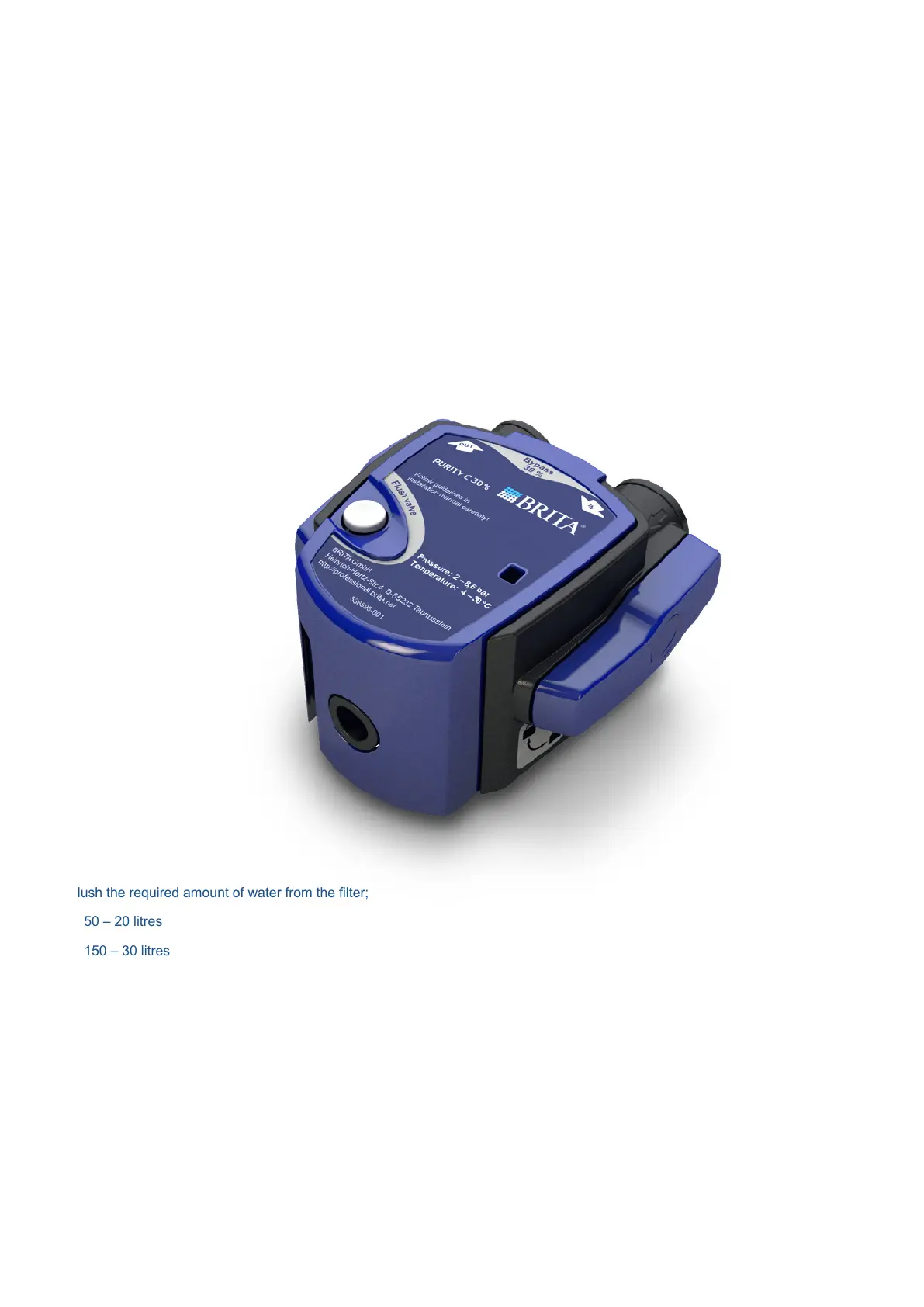
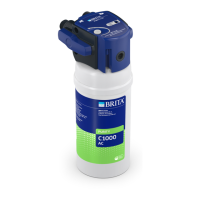
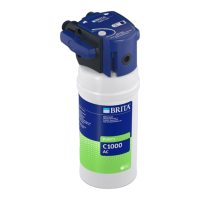
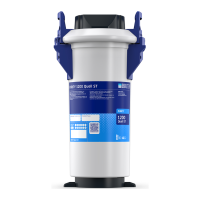
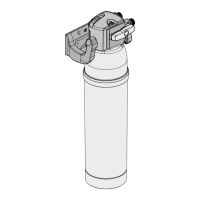
make sure that the blue handles on either side of the PURITY C head are positioned
correctly (see picture below). Once you turn the handles into this position the water
should ow through the grey ush hose as long as you press the ush button down
or slide the mechanism open.
7. Flush the required amount of water from the lter;
• C50 – 20 litres
• C150 – 30 litres
• C300 – 60 litres
• C500 – 100 litres
• C1100 – 180 litres
• AC1000 – 10 litres
This could mean you have to ll several buckets and this will take some time to
complete. DO NOT LEAVE THE FILTER UNATTENDED WHILE FLUSHING, as
this will lead to potential ooding.
8. Once you have ushed the required amount of water through the lter, turn off the
ush tap. The lter is now ready to use.
Make sure the blue handles either
side of the head are in this position,
or water will not ush through
the grey ush hose.



 To Next Page