EasyManua.ls Logo

Briteq BT-Meteor - DMX Configuration Continued (Gobo, Prism, Focus, Special Functions)

Default Icon
80 pages
Print Icon
To Next Page IconTo Next Page
To Previous Page IconTo Previous Page
Loading...
ENGLISH
USER MANUAL
BRITEQ
®
12/74
BT-METEOR
120 - 127
COLOR 9: Pink
128 - 189
Color wheel turning clockwise (fast → slow)
190 - 193
Color wheel stops turning
194 - 255
Color wheel turning counter clockwise (slow → fast)
6
9
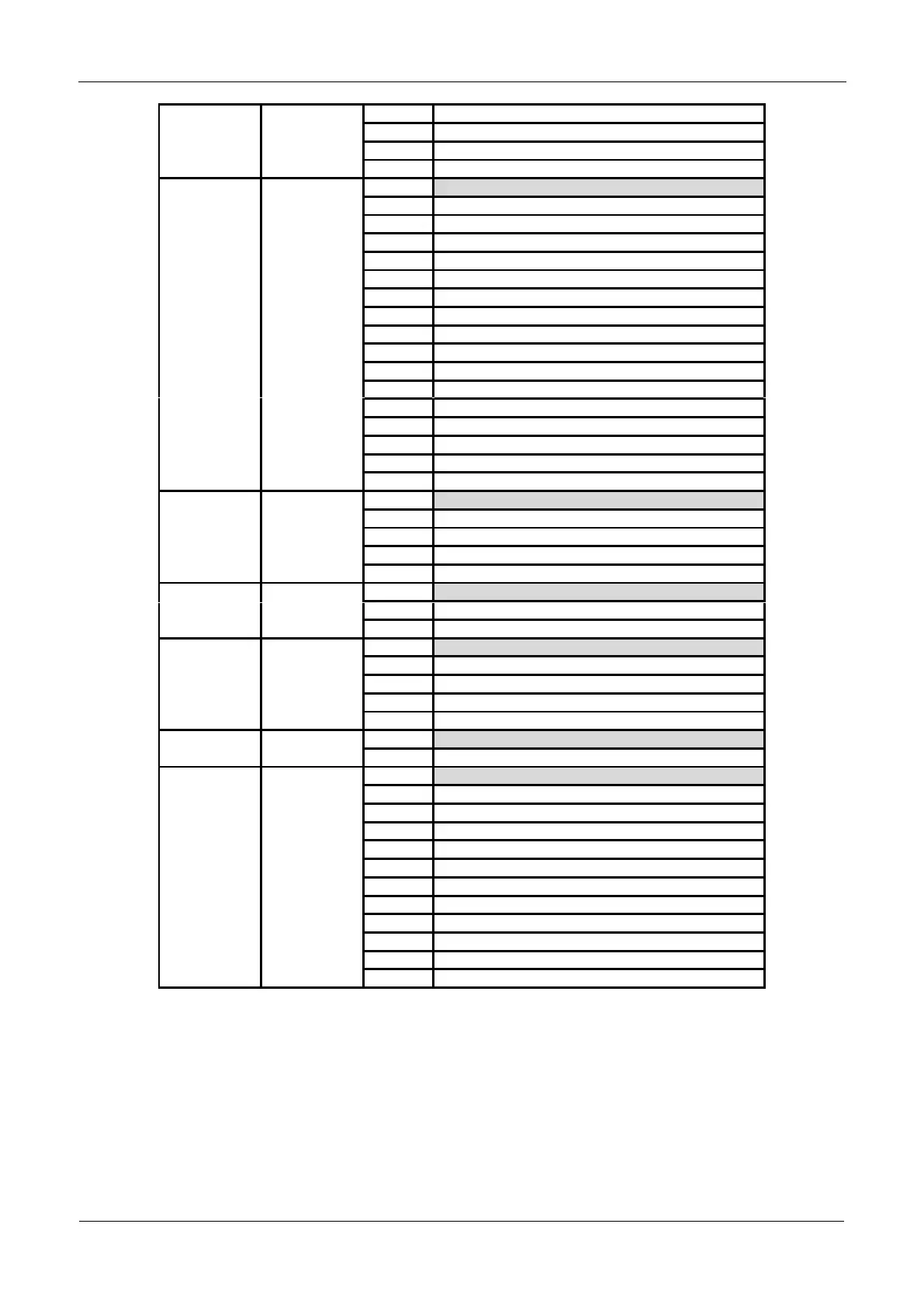
Gobo Wheel
000 - 007
OPEN (no gobo)
008 - 015
GOBO 1
016 - 023
GOBO 2
024 - 031
GOBO 3
032 - 039
GOBO 4
040 - 047
GOBO 5
048 - 063
GOBO 6
064 - 073
GOBO 1 – Shaking
074 - 082
GOBO 2 – Shaking
083 - 091
GOBO 3 – Shaking
092 - 100
GOBO 4 – Shaking
101 - 109
GOBO 5 – Shaking
110 - 127
GOBO 6 – Shaking
128 - 189
Gobo wheel turning clockwise (fast → slow)
190 - 193
Gobo wheel stops turning
194 - 255
Gobo wheel turning counter clockwise (slow → fast)
7
10
Gobo wheel rotation
000 - 127
indexed positioning: 0° - 360°
128 - 189
Gobo turning clockwise (fast → slow)
190 - 193
Gobo stops turning
194 - 255
Gobo turning counter clockwise (slow → fast)
8
11
Prism
000 - 007
No Effect
008 - 255
Prism Effect
9
12
Prism Rotation
000 - 127
Index position
128 - 189
Prism turning counter clockwise (fast → slow)
190 - 193
No rotation
194 - 255
Prism turning clockwise (slow → fast)
10
13
Focus
000 - 255
Focus setting
11
14
Special functions
000 - 069
No function
070 - 079
Activate blackout during pan/tilt (*)
080 - 089
Disable blackout during pan/tilt (*)
090 - 099
Activate blackout during color change (*)
100 - 109
Disable blackout during color change (*)
110 - 119
Activate blackout during gobo change (*)
120 - 129
Disable blackout during gobo change (*)
130 - 199
No function
200 - 209
Reset all (after 5 seconds delay)
210 - 247
No function
248 - 255
Sound activated automatic mode
Note (*): by default [function delay] (is set to 3seconds: the selected function will only be active while the
corresponding DMX-value is received during at least 3seconds. You can change the [function delay] time in
the setup menu.