15
4. Find another power socket closer to your Broadband Router.
This may not be in the same room.
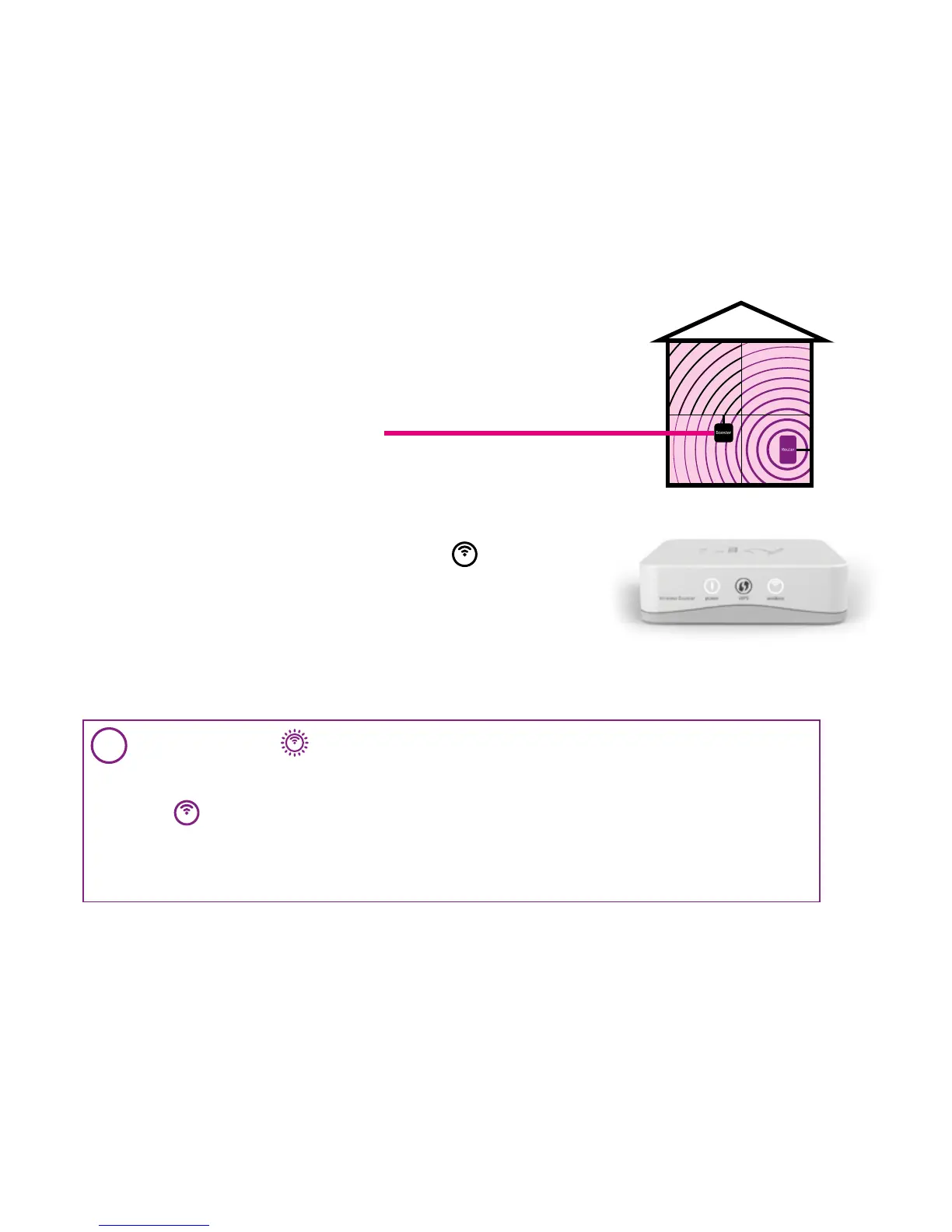
5. Plug your Wireless Booster into the power socket and switch
it on at the mains.
6. If you are now in range of your Broadband Router, within
approximately 30 seconds the wireless Icon
will turn
solid white.
Great, your Wireless Booster is now re-connected to your
Broadband Router and Wi-Fi coverage has been extended
in your home.
Go to 4 Congratulations section on page 16.
i
If the wireless icon is flashing white this means your Wireless Booster is out of range
of your Broadband Router and you have not extended the Wi-Fi coverage.
Repeat steps 4 to 6 in another location nearer your Broadband Router until the wireless
icon
turns solid white, only then is your Wireless Booster re-connected to your
Broadband Router and Wi-Fi coverage has been extended in your home.
You should avoid putting your Wireless Booster in the same room as your Broadband
Router as this could cause interference.
Reposition your Wireless Booster if out of range


 To Next Page
 Loading...