11
Using the MyOceSuite™ portal
Using the MyOceSuite™ Portal
CHANGING THE NAME DISPLAYED ON
YOUR PHONE
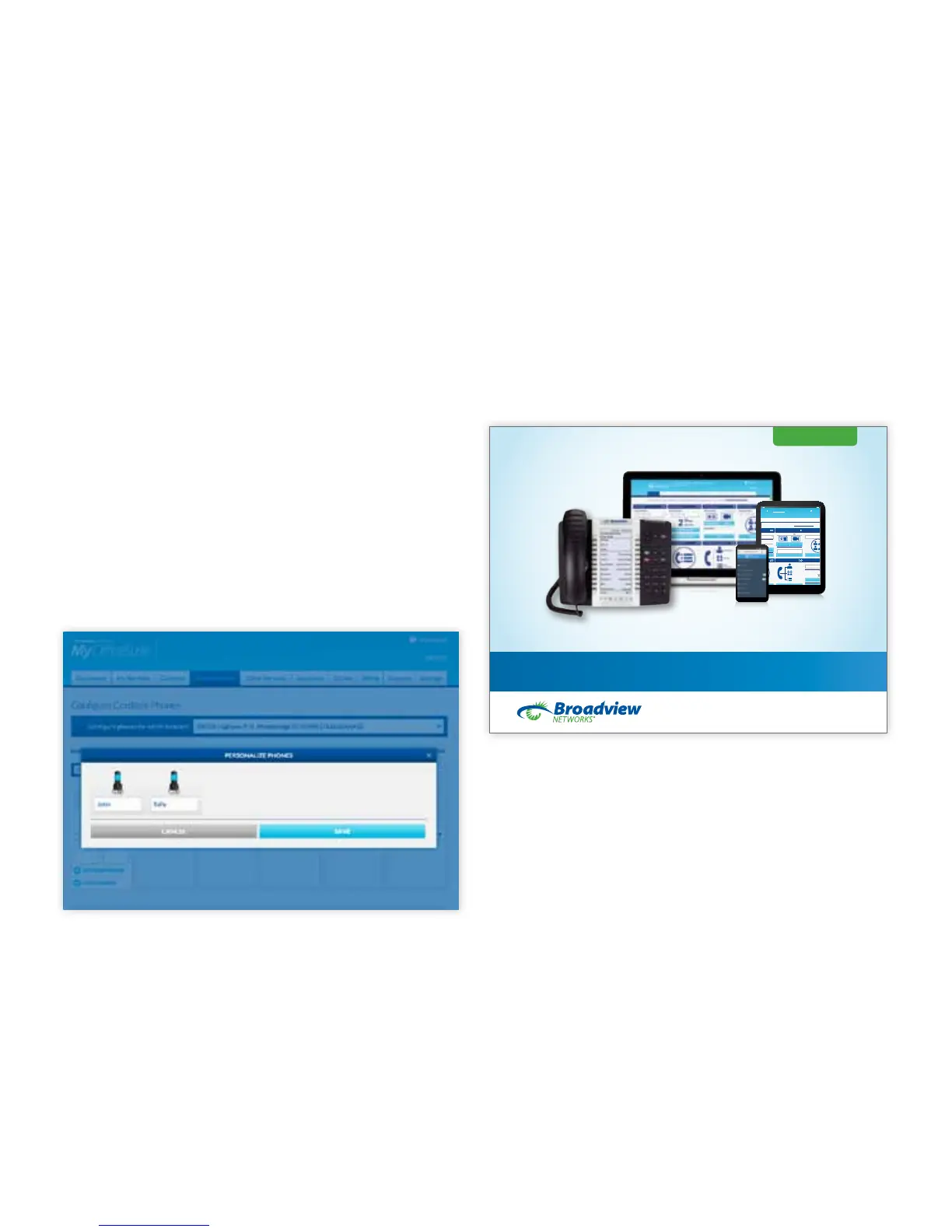
To change the name displayed on any phone, click
on the Phone System tab, then click on Phones and
choose the Cordless Phone Manager. Select the site
at which you want to manage your phones and click
on Actions. Here, you will select Personalize Phones
to change the name display on your phone.
FOR ALL OTHER FUNCTIONS OF THE
MYOFFICESUITE™ PORTAL, REFER TO THE
MYOFFICESUITE™ ADMINISTRATOR GUIDE.
Administrator User Guide
CONTACT SUPPORT
1-888-623-VOIP
OceSuiteSupport@Broadviewnet.com
http://community.broadviewnet.com
OceSuite® Phone
PUTTING ALL YOUR OFFICESUITE® FEATURES TO USE TO BE MORE EFFICIENT
Additional Services Order Status Billing Support Settings
called. As long as a line is available, even if a shared
extension is in use, other phones with the same
extension can continue to make and receive calls.



 To Next Page