12
CONFIGURE CORDLESS PHONES
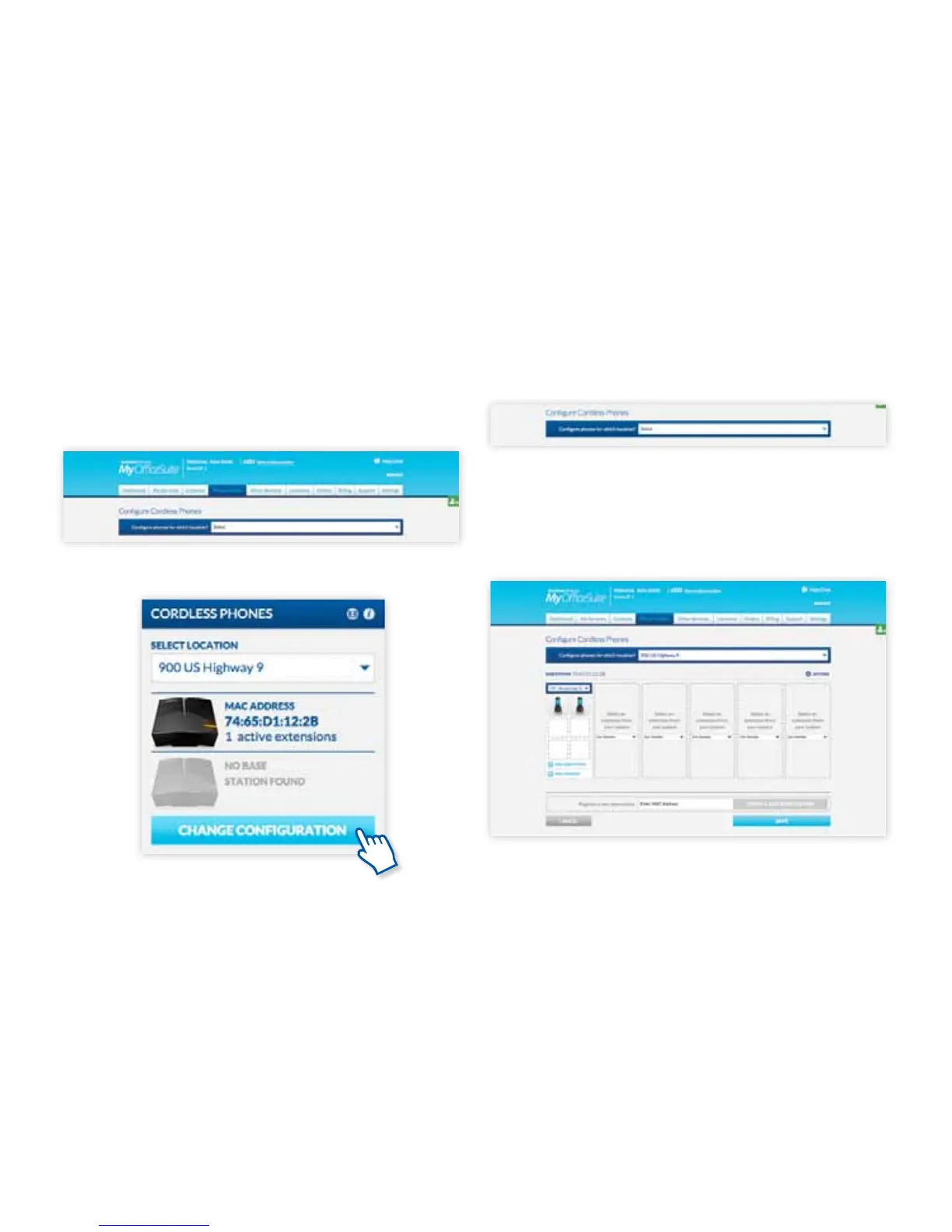
From the top tabs, select Phone System – Phones
– Cordless Phone Manager or Select the Cordless
Phone widget from your dashboard.
Using the MyOceSuite™ portal
Using the MyOceSuite™ Portal
Select the site at which you want to manage cordless
phones from the drop list.
If the site already has a base station registered and
phones connected, it will show the registered base
stations.
OR



 To Next Page