12
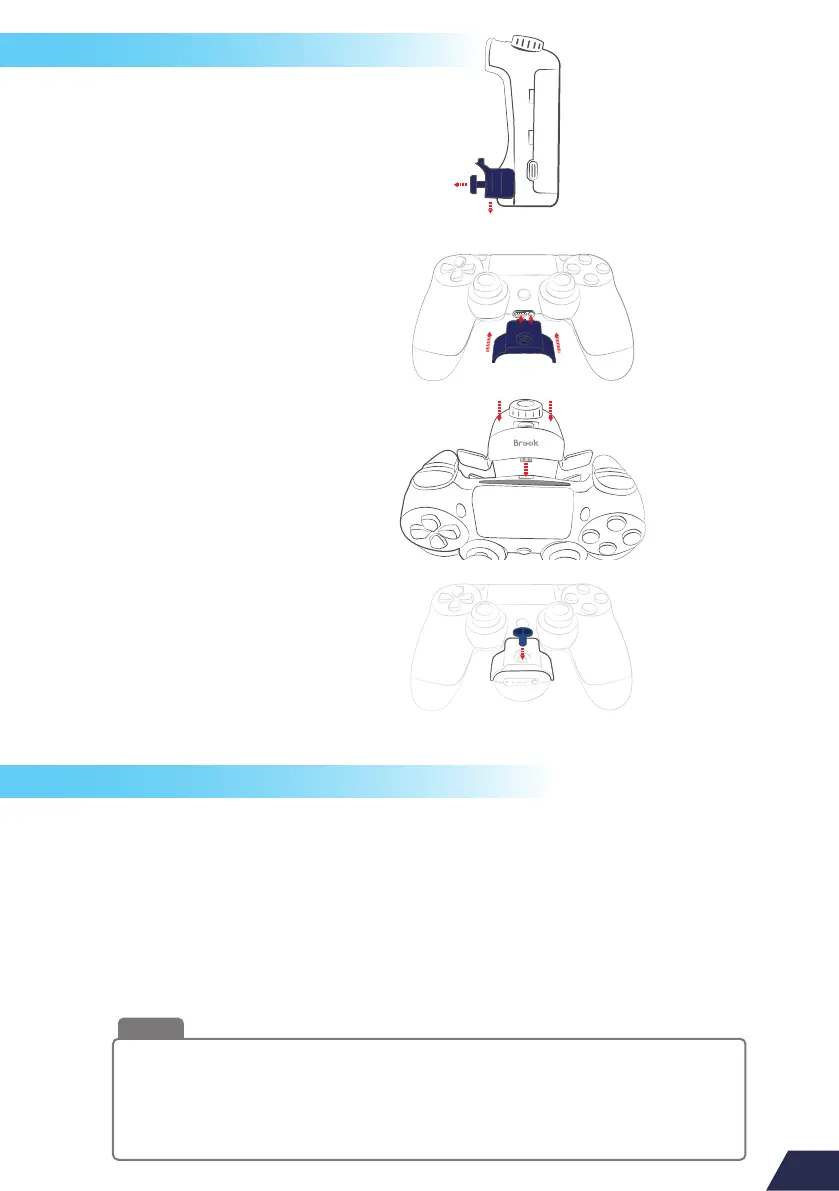
How to install MARINE
Replace the battery and paddles
1.Use the attached Lock Tool to
loosen the lock cover of MARINE.
3.Place MARINE carefully
into PS4 controller.
2.Attach the lock cover to the
audio jack of PS4 Controller.
4.Sit the lock cover to MARINE,
don’t forget to relock it.
1
2
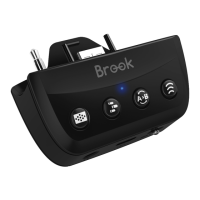
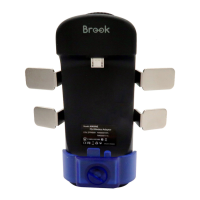
1.Press and hold the battery latches on both sides of the MARINE to open the
battery cover.
2.Place the fully charged 18650 lithium battery. Be sure to confirm that the
battery is in the correct direction.
3.Insert or remove the paddles according to your requirement.
4.Relock the battery cover.
This product has 2 versions, "Battery version" and "Non Battery version". When you
choose to purchase MARINE with "Battery version", it includes a 3350mAh 18650
Lithium Battery, which takes 4 hours to be fully charged and 8 hours continuous use.
However, if you purchase the “Non Battery version”, please remember to purchase
a 18650 Lithium Battery.
Note


 To Next Page