14
Firmware Upgrade
PS4/PS3/NS mode
BROOK always provides the latest firmware version. Please visit the official
website to confirm if your MARINE requires a firmware upgrade.
http://www.brookaccessory.com/download/
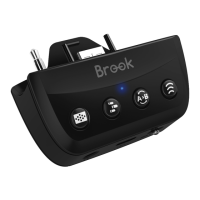
When knob is in P4/P3/NS mode, connect MARINE to
PS4/PS3/NS with Micro-USB cable for use.
Wired Connection
Wireless Connection
1.It has to be wired connection for first time use.
2.For future use, make sure the knob is in PS4/PS3/NS mode
and press the BROOK-Key to activate MARINE to reconnect
to the console. Please confirm that the LED on MARINE is
displayed in blue/cyan/orange.
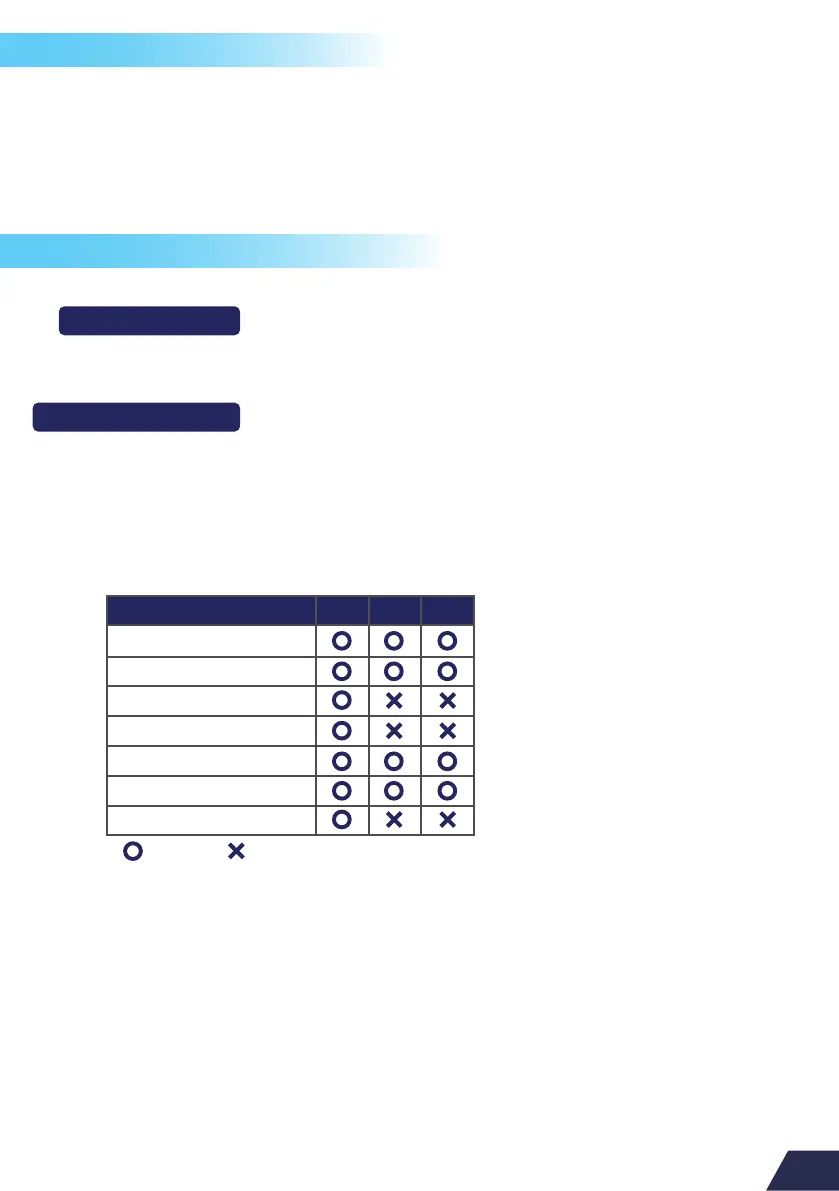
Features Supported:
PS4 PS3 NS
Wired control
Wireless control
Audio function (Wired)
Audio function (Wireless)
Motion control
Turbo & Remap
Touch Pad
= Support = Not Support


 To Next Page