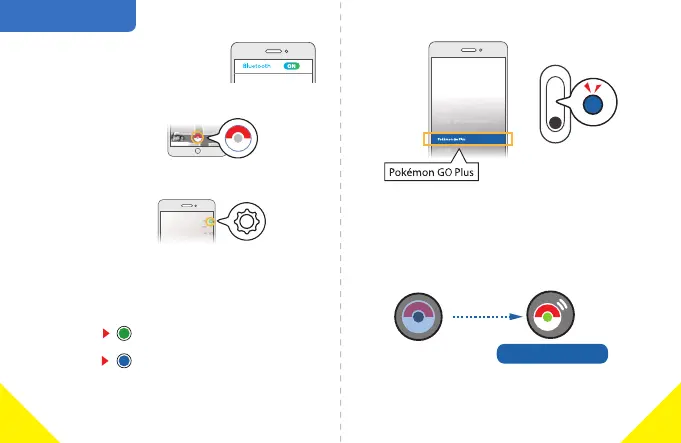
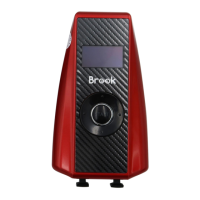
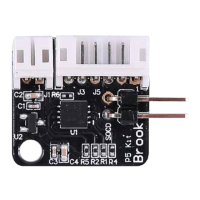
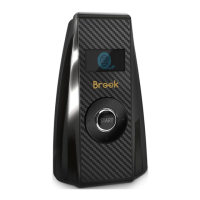
Pairing Connecon
Blue Light flashes
Green Light flashes
Unpaired ID
Paired ID
4. Select Pokémon GO Plus in seng page. Pocket Auto
Catch Lightning will start to pair automacally.
3. Tap Sengs.
1. Turn on your mobile Bluetooth.
2. Tap the Main Menu.
5. Waing for pairing. When the Pokémon GO Plus
icon turns on, it means pairing is successful.
Successful conneconNot connected
Connected to Pokémon GO
2
1


 To Next Page