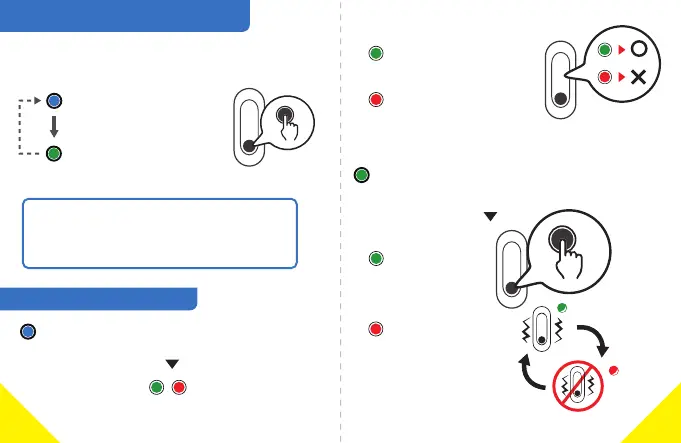
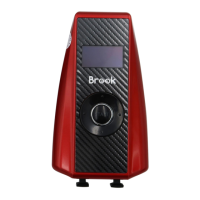
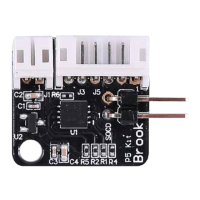
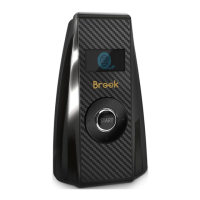
Short press the buon to switch between
the two funcon modes.
Mode 1: Blue Light
Mode 2: Green Light
Clear Bluetooth Pairing ID
Vibraon on / off
How to switch between Funcon Modes
Reset to factory sengs:
1. Hold buon
2. Insert the charger cable and connect to
a USB charger port.
Funcon Modes Descripon
Mode 1: Blue Light: Clear Bluetooth Pairing ID
Long press the buon for 3 seconds
Execute clearing ID Green and Red flashing
(Please wait 11-20 seconds when clearing ID)
Clear Failed
(Please re-operate)
Clear successful:
Green Light flashes 3 mes
Clear failed:
Red Light flashes 3 mes
Long press the buon for 3 seconds
Vibraon on:
Green Light
flashes 3 mes
Vibraon off:
Red Light
flashes 3 mes
Mode 2: Green Light: Vibraon on / off
3s
4
3


 To Next Page