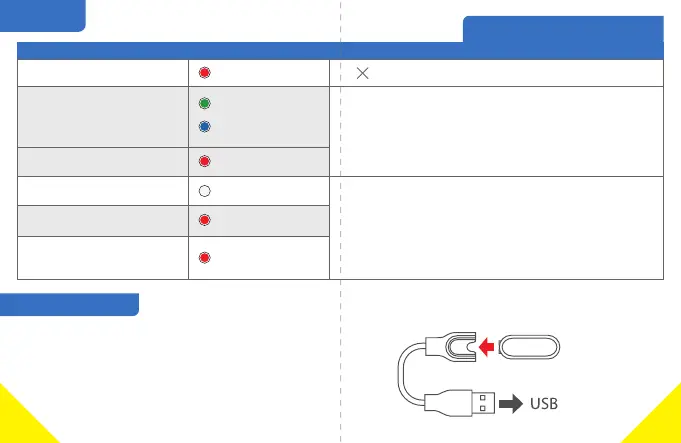
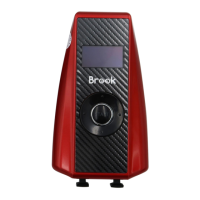
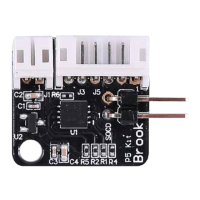
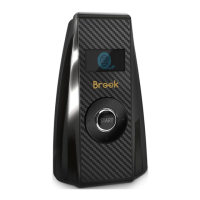
Situaon
LED
Vibraon
Others
Power / Connecon / Other status
flashing
flashing
flashing
flashing 3 mes
Permanently on
intermient
White
Waing for connecon
Low Power
No internet connecon
Items are full
Out of Pokéball
Pokémon up to maximum/
Far away from Pokéstop
● 0 ~3 minutes: Vibrate 2 mes for every 10 seconds.
● 3 ~ 10 minutes: Vibrate 2 mes for every 30 seconds.
● Stop warning aer 10 minutes.
● If the situaon is "Intermient ", vibrate 3 mes
instead of 2.
● Vibrate 2 mes for every 2 seconds.
● Stop aer 3 cycles.
※When you are playing Pokémon GO,
there will be no vibraon.
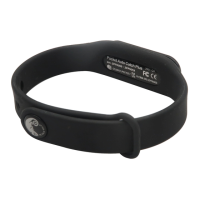
(unpaired)
(paired)
Charge your Device
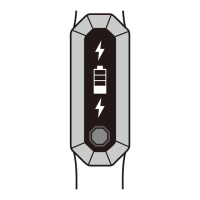
● When charging Pocket Auto Catch Lightning, 3
colors (red, green, blue) will flash repeatedly.
● When the power is full, Pocket Auto Catch Lightning
will display a white light.
※Push hard ll LED flashes red/green/blue
6
5


 To Next Page