10 11
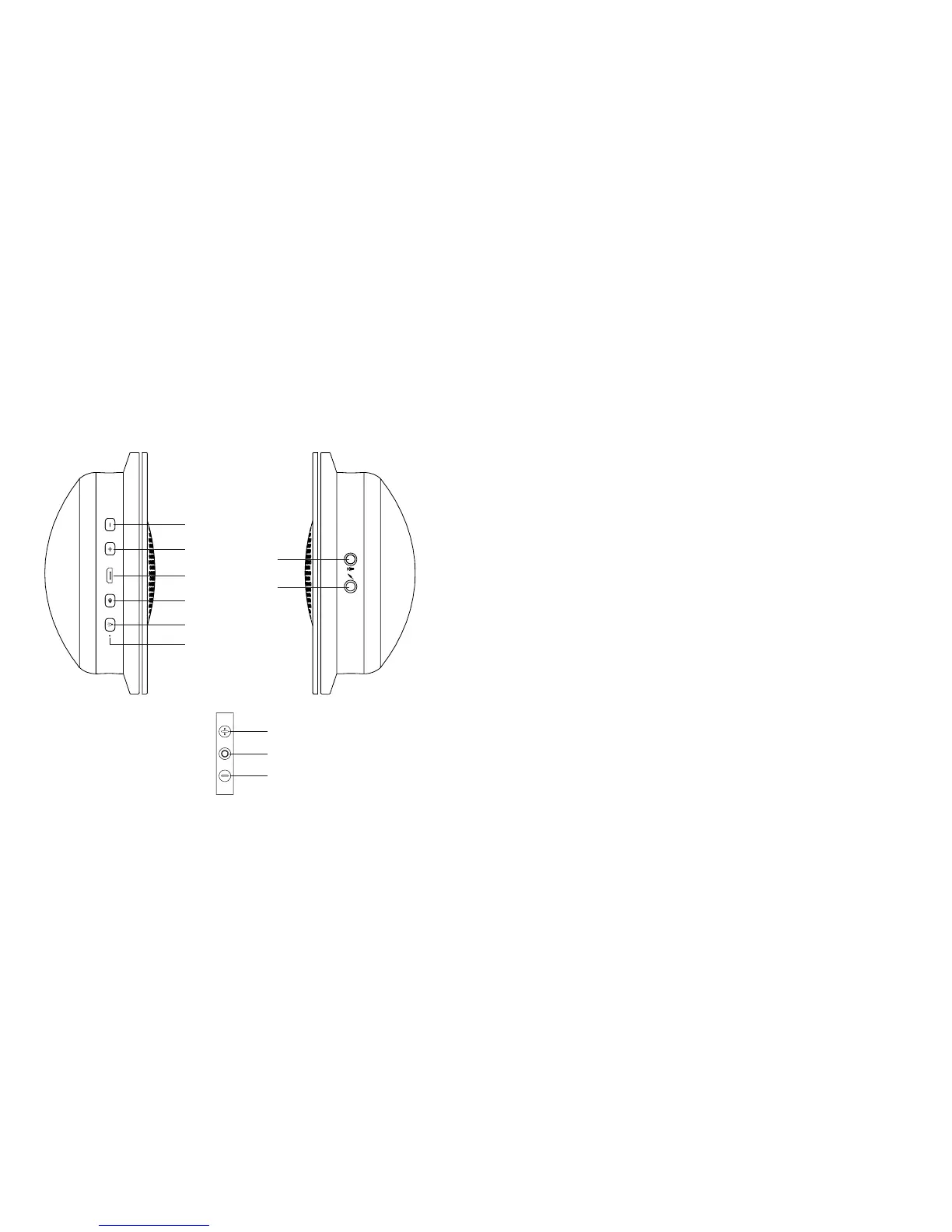
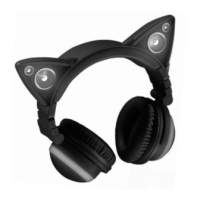
LOCATION OF PARTS AND CONTROLS LOCATION OF PARTS AND CONTROLS
9. Volume - Button
10. Volume + Button
11. Micro USB Input
12. Speakers On/Off Button
13. LEDs On/Off Button
14. Charging LED
15. Microphone Input
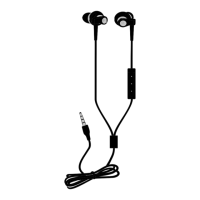
16. Headphone Cord Input
17. Volume + Button
18. Play/Pause/Track Forward/Track Back Button: Press
once to Play/Pause audio. Press twice in quick
succession to move one track forward. Press three times
in quick succession to move one track backward.
19. Volume - Button
9
Right Ear Cup
Left Ear Cup
Headphone Cord Control Panel
10
11
12
13
14
15
16
17
18
19











 To Next Page