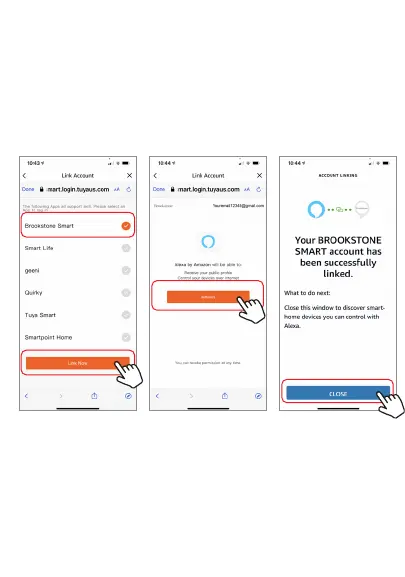
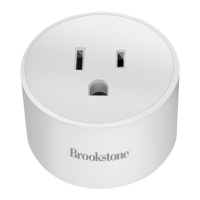
Step E. Wait a few seconds for Alexa to detect the Smart Plug
from the Brookstone Smart app and you will find the device
named “Smart Plug” has been paired to Alexa app from
“Brookstone Smart” app. Follow the on-screen instructions to
further set up the device.
The plug will be named whatever you named it in the
Brookstone Smart App.
Step D. Once your Brookstone Smart account is successfully
linked to Alexa, the next page will pop up. Tap ”Close” at the
bottom and then tap “Discover Devices” on the next page at the
bottom right.


 To Next Page