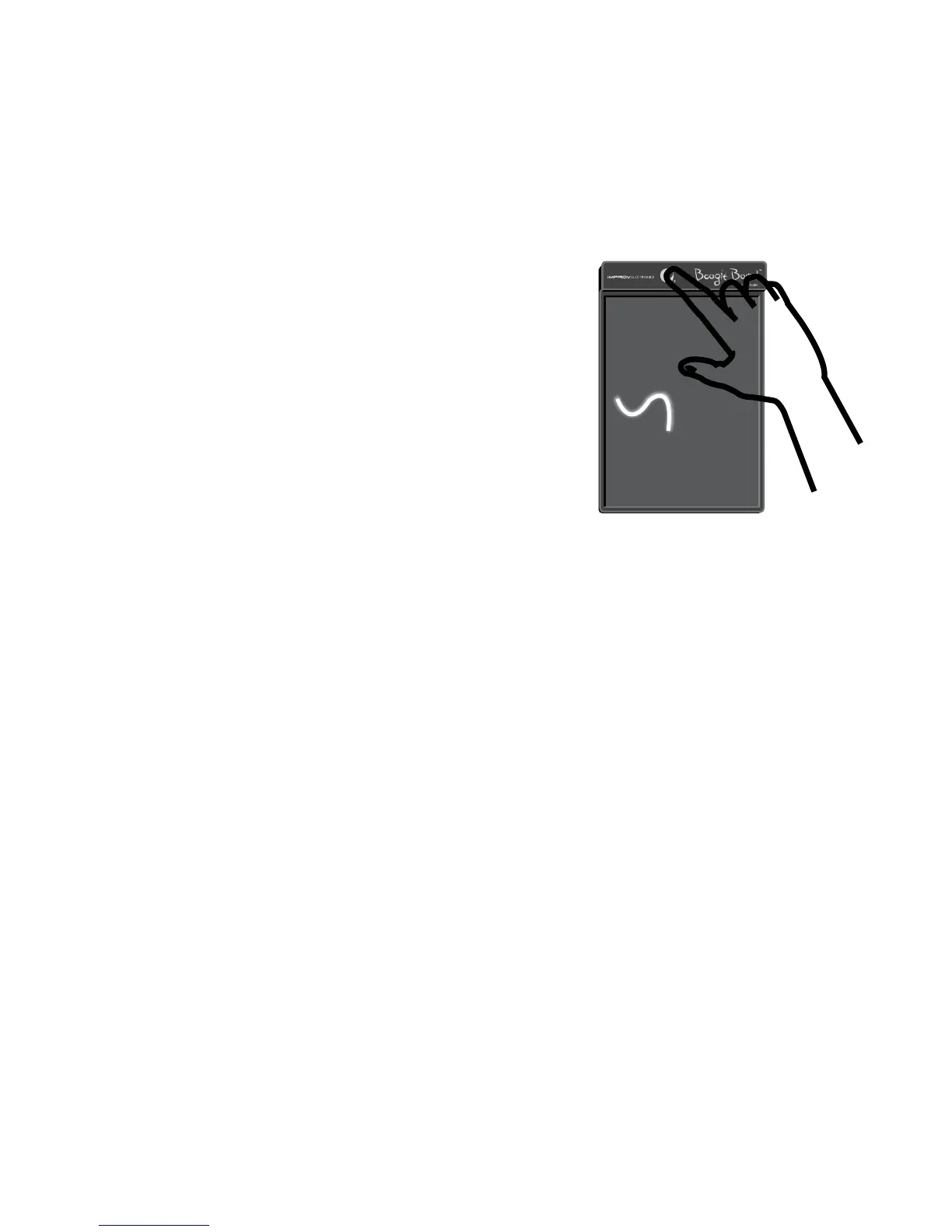
erasing
To clear the screen, push the erase button.
The screen will flash, and it will be ready for a new
list, drawing or math equation.
Note: The LCD Writing tablet will not save
any information. If you want to preserve what
you wrote or save a cool picture or doodle,
take a picture!
Product maintenance
To clean the tablet, wipe with the cleaning cloth provided. Do not use liquids or
abrasive materials of any kind.
After the battery power is fully depleted, the last image created will remain on
the screen. The unit may be discarded after the maximum battery life is reached.
Some components may be recyclable. Check with your local agencies for recycling
information. There are no user serviceable parts, or batteries to replace, inside the unit.
sPecifications
Unit will erase approximately 50,000 times.
The unit does not connect to a computer, and will not permanently save any images.
Dimensions: 8.8" x 5.6"
Weight: 4.2 oz.
3


 To Next Page