troubleshooting
ISSUE SOLUTION
I cannot erase an image
from the screen.
The unit has run out of battery
power. Please discard as you
would a battery, or contact your local
authority on recyclable materials.
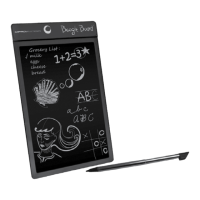
I have lost the writing stylus
that came with the unit.
You may use any object that does not
puncture or scratch the screen, for
example; a retracted/capped pen or even
your fingernail.
I cannot erase a section of the
image on the screen.
The entire screen is designed to erase at
once. If part of your image remains after
you erase, the LCD has been damaged.
4


 To Next Page