asseMblY
8
ReMoTe baTTeRY InsTallaTIon
1. Remove the battery compartment cover from the back of the Remote Control.
2. Insert 2 AAA alkaline batteries (not included) into the battery compartment
according to the polarity indicators.
3. Close the battery compartment cover.
639567_INS_MightyMax Tower Fan_5”Wx4.75”H_Output:100%_Prints:1/1,Blk
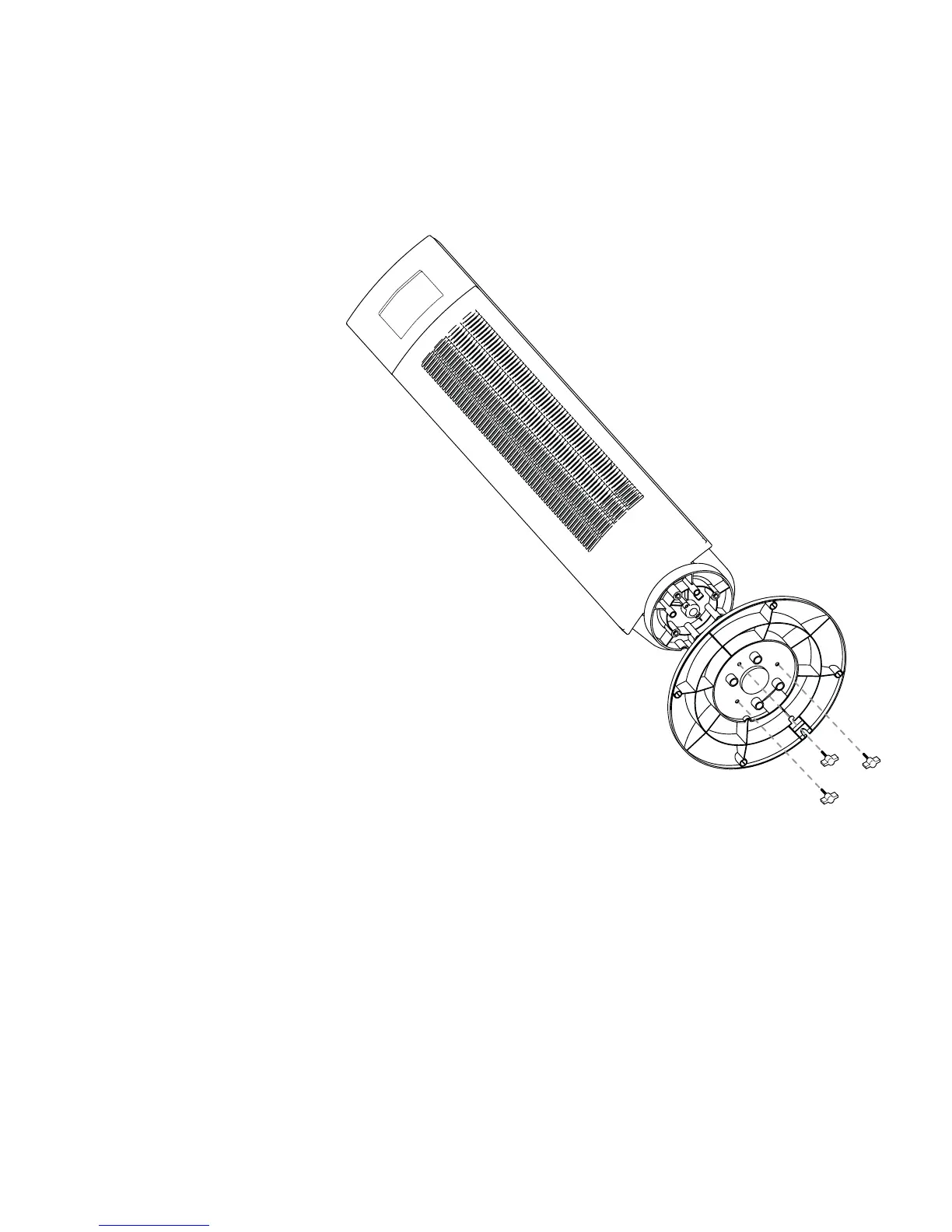
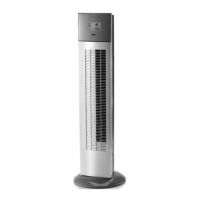
ATTACHING BASE
1. Place the Base on the
bottom of the Tower Fan
(see example at right).
2. Line-up the three screw holes.
3. Insert and securely tighten the
three screws (included).
IMPORTANT:
Do not over tighten screws.


 To Next Page