10 11
SET-UP
DOWNLOADING FREE APP
Go to the iTunes
®
App Store
SM
(for Apple devices) or Google Play
TM
(for Android devices) to download
the Rover Revolution App, "Rover Rev".
ANTENNA
iPod touch
®
(3rd,
4th, 5th generation)
iPhone 5S
iPhone 5C
iPhone 5
iPhone
®
4S
iPhone 4
iPhone 3GS
iPad
®
(4th generation)
iPad mini
iPad
®
(3rd generation)
iPad 2
iPad
Apple
®
iOS: 4.3 and later
Android 2.2 and later,
CPU: 800MHz
RAM: 512M
SD card: 256 MB or higher
COMPATIBILITY
851135_INS0913_Rover Revolution_Size:5”Wx4.75”H_Output:100%_Prints:1/1,Blk
Visit Brookstone.com for compatibility updates.
Rover Rev
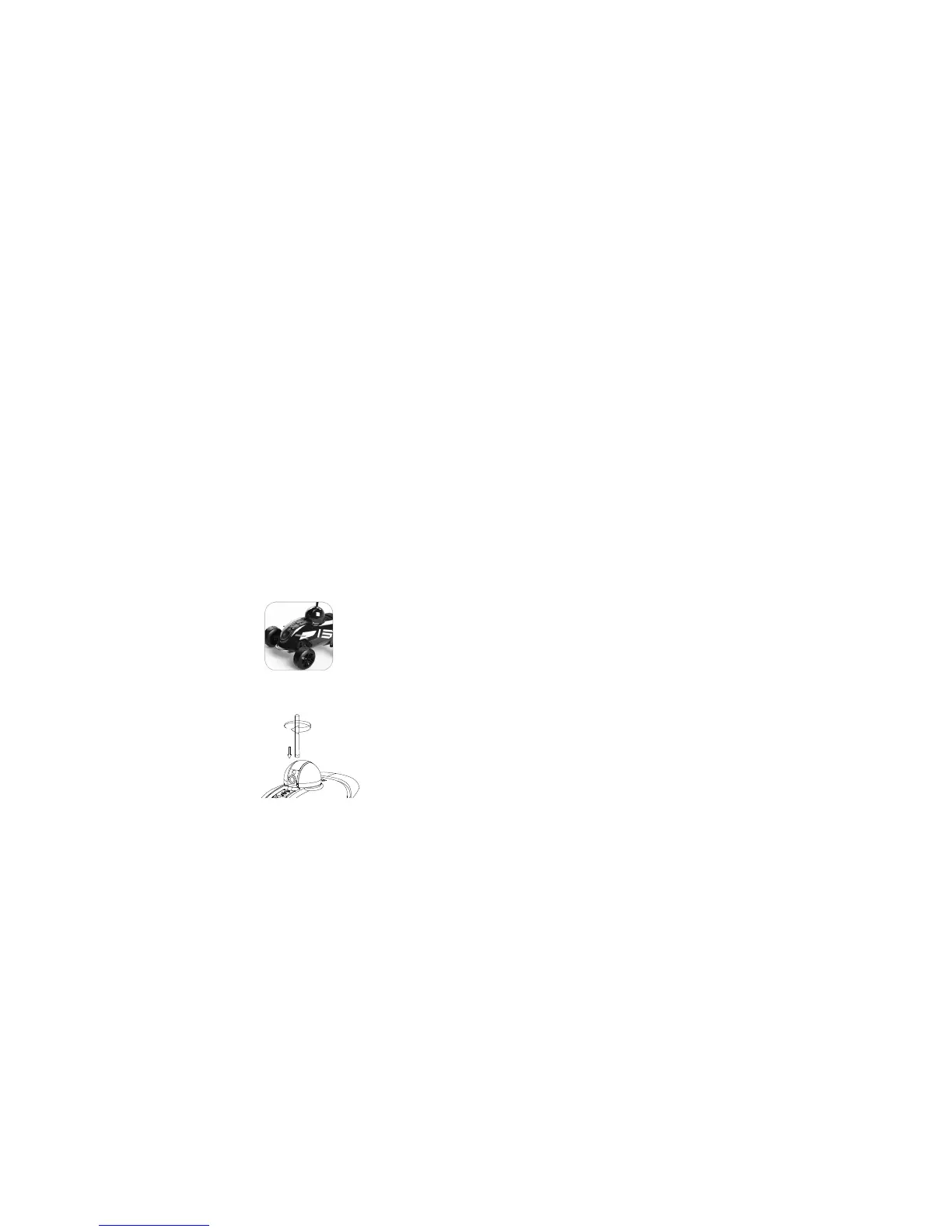
Insert the ANTENNA in the Antenna Port
and twist the ANTENNA in a clockwise
manner until secure.
CHARGING
1. Lift the CHARGING PORT cover and insert the DC JACK into the
CHARGING PORT. Plug the DC ADAPTER into a wall outlet.
2. The CHARGING LED INDICATOR is RED while Rover Revolution is charging.
When Rover Revolution is fully charged, the CHARGING INDICATOR is GREEN.
For first time use, charge for at least 2 hours.
3. When Rover Revolution's battery is low, the POWER LED INDICATOR
will blink WHITE.
POWER AND CONNECT
1. Slide the Power switch on the bottom of the Rover Revolution to on. The WHITE
POWER LED on the top of the Rover Revolution will illuminate. Wait approximately
30 seconds and the GREEN CONNECTION LED on the top of the Rover
Revolution will start to blink slowly.
2. On your device, go to Settings and turn Wi-Fi
®
on. The SSID address of your
Rover Revolution (12 digits starting with RoverRev) will appear as an available
connection.
Note: Each Rover Revolution has a unique SSID address (printed on the underside
of the unit). If there are multiple Rover Revolution’s being used, the individual SSID
addresses will appear as Wi-Fi connections on your device. Select your Rover
Revolution’s SSID address.
3. Select the Rover Revolution to confirm the connection. (No user name or
password is required.) Ensure the Wi-Fi connection logo appears at the top of
your device’s screen. There may or may not be a check mark to the left of the



 To Next Page