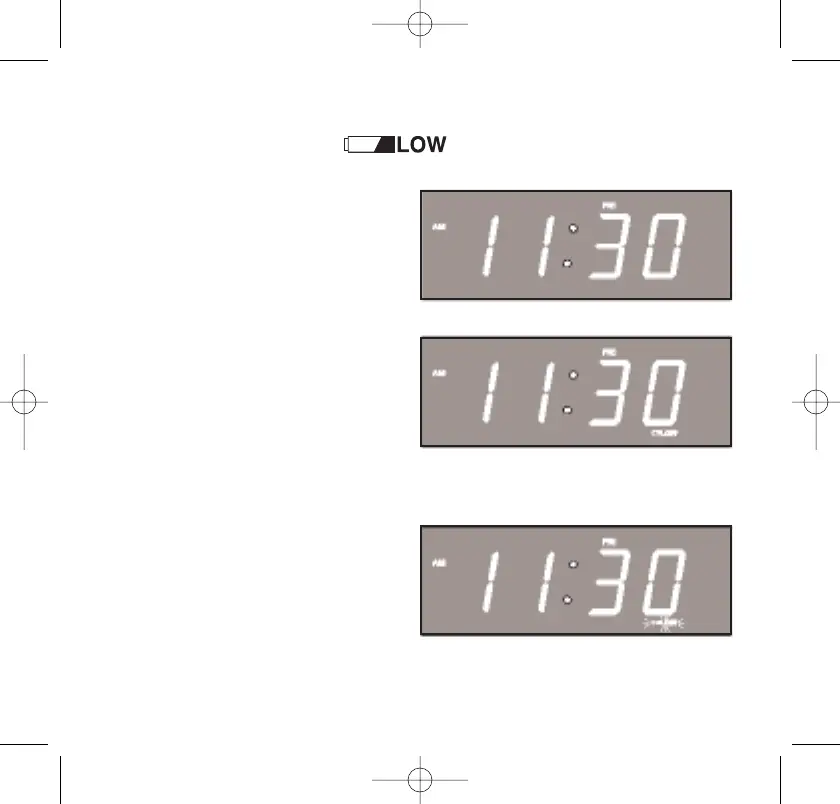
Low Battery Indicator
The Low Battery indicator only appears in the main
display when the unit is in the power ‘Off’ mode.
• If you install a 9-volt battery
in the SureAlarm circuit as
described above, the Low
Battery indicator disappears.
• If the Low Battery indicator
remains ‘On’, this indicates
that either you have not
installed the 9-volt battery,
or that the 9-volt battery is
exhausted and needs to
be replaced.
• If the Low Battery indicator
flashes, this indicates that the
3-volt lithium battery is
getting weak and should be
replaced as soon as possible.
Instructions for changing the lithium battery will be found on pages
48-51 of this manual.
467522_INS_SmartSet CD Alarm Clock
5"W x 4.75"H
Output at 100% Prints 1/0 Black
13
467522_INS_SmartSet CD Alarm 3/22/07 9:25 AM Page 14



 To Next Page