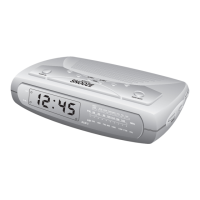
Selecting The Alarm Mode
Your SmartSet® CD Alarm Clock Radio allows you to select from
among three different alarm operation modes for either alarm. The
alarm modes are:
• Everyday—the alarm will turn on all seven days;
• Weekdays only—the alarm will only turn on Monday through Friday;
• Weekends only—the alarm will only turn on Saturday and Sunday.
To check the Alarm Mode setting for Alarm 1, depress the ALM 1
setting button. The display will show the Alarm 1 wake-up time, and
the day of the week indicators will show you the alarm mode which
is selected.
• If all seven indicators are ‘On,’ the Everyday mode is selected.
• If only the Monday through Friday indicators are ‘On,’ the Weekdays
only mode is selected.
• If only the Saturday and Sunday indicators are ‘On,’ the Weekends
only mode is selected.
To change the Alarm Mode setting for Alarm 1, hold the ALM 1 setting
button and press the ALARM MODE button until the day indicators
show the desired mode setting: Weekdays only, Weekends only, or
Everyday operation.
Release the ALARM MODE and ALM 1 setting buttons and the display
will return to the correct time.
Follow the same procedure to select the desired Alarm Mode for
Alarm 2 if necessary.
467522_INS_SmartSet CD Alarm Clock
5"W x 4.75"H
Output at 100% Prints 1/0 Black
25



 To Next Page