4. Tune to the next station that you wish to store.
Press the MEMORY button
once, then press PRESET +
button to select Preset
Memory number 2.
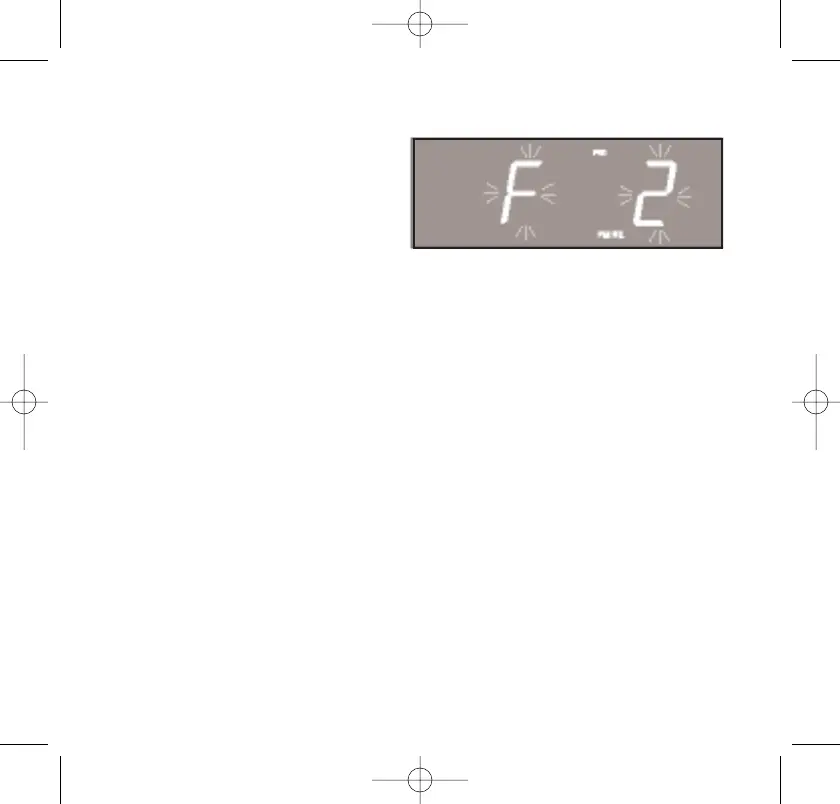
“F 2” begins flashing in the
display.
5. Press the MEMORY button once more to enter your desired
station in Preset Memory number 2.
6. Repeat steps 4 and 5, using the PRESET + or - buttons to select a
different preset memory number each time until you have stored
up to 10 FM stations in memory.
7. Press the AM/FM button to switch to the AM band and repeat the
above procedure to store up to 10 AM stations in the tuner
memory.
Notes:
• The FM memories are numbered F1 through F10. The AM
memories are numbered A1 through A10.
• After you press the memory button the first time, you must select
a Preset Memory number and press the MEMORY button again
within 10 seconds, while the memory number is flashing, or the
station will not be memorized.
467522_INS_SmartSet CD Alarm Clock
5"W x 4.75"H
Output at 100% Prints 1/0 Black
29



 To Next Page