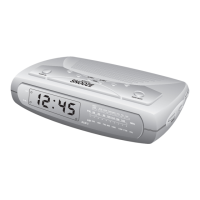
Recalling Preset Stations
Press the AM/FM button to select the desired band.
Press PRESET + or - buttons to scroll through the preset stations one
by one.
Changing Preset Stations
1. Tune to the new station that you want to store.
2. Press the MEMORY button and then press the preset number
button to select the memory number that you wish to change.
3. When the desired preset memory number is flashing, press the
MEMORY button again. The new station is now stored and the
previous station is deleted from the memory.
30



 To Next Page