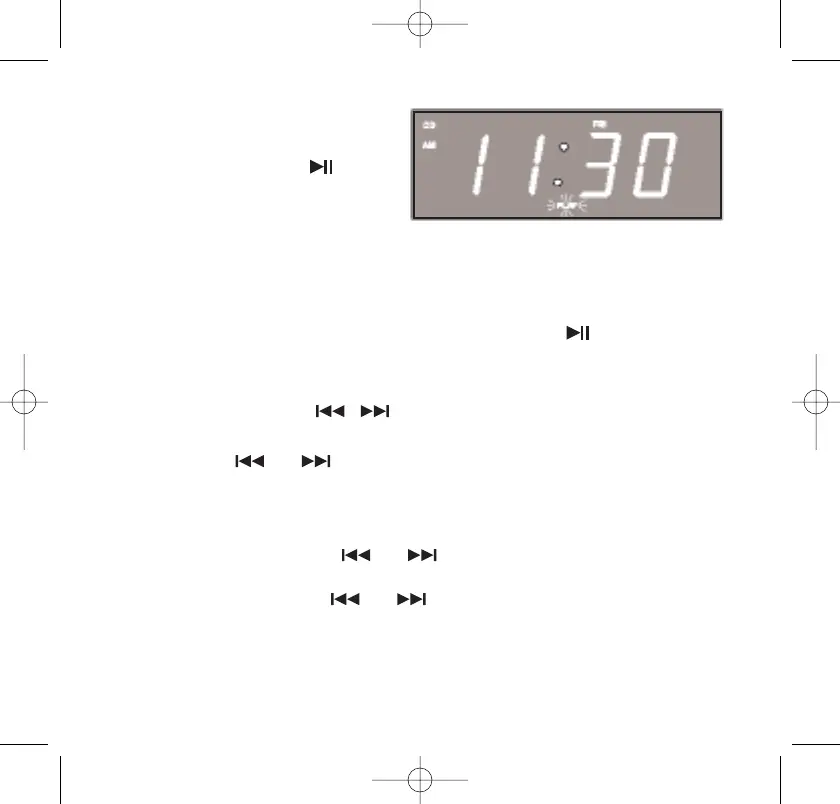
Pause Control
To pause CD playback
temporarily, press the
PLAY/PAUSE button. The display
will briefly show the track
number that is paused and then
returns to the correct time.
The sound stops but the disc continues to spin and the PLAY
indicator flashes.
To cancel Pause mode and resume playback press the PLAY/PAUSE
button again.The sound returns and the PLAY indicator stops flashing.
Skip/Search Controls ( / )
• To skip to higher- or lower-numbered tracks during playback,
press the or buttons repeatedly until the desired track
number appears in the display. Playback will begin on the
desired track.
• To search within a track to locate a specific musical passage,
depress and hold the or button. The player will search
back or forward at high speed. When you hear the desired
passage, release the or button and normal playback
will resume at that point.
Note: The Volume level is automatically reduced during high-speed
music search.
36
467522_INS_SmartSet CD Alarm 3/22/07 9:25 AM Page 37



 To Next Page