REPEAT Playback
You can repeat a single track or the entire disc continuously.
Repeat playback can be selected while a disc is playing or while
the disc is stopped.
Single Track Repeat
Press the or buttons to select the track to be repeated.
If necessary, press the PLAY/PAUSE button to begin playback,
and then press the REPEAT button once.
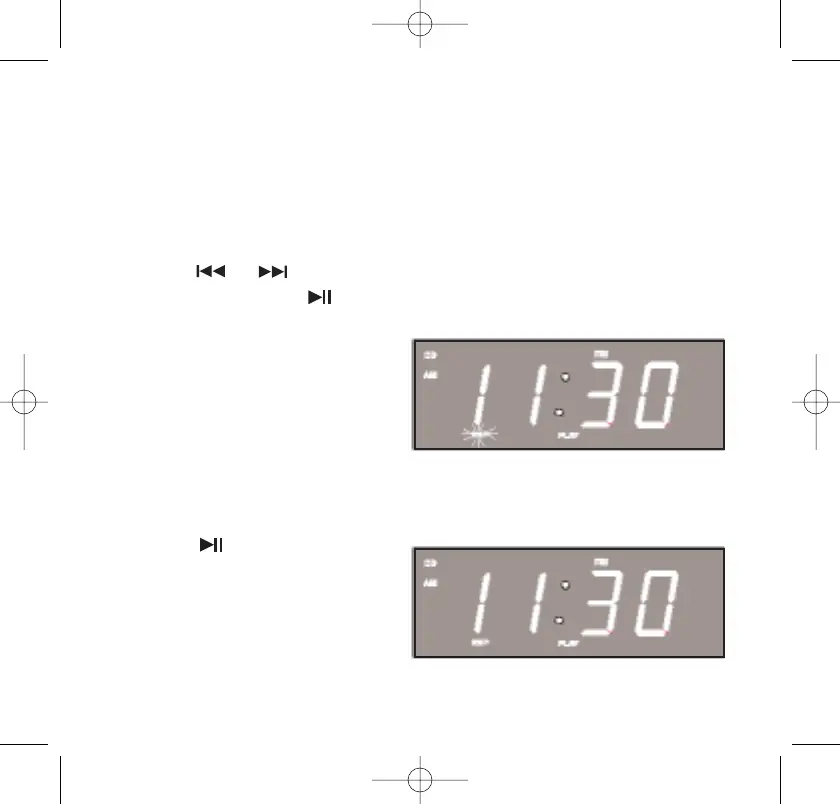
The Repeat indicator “REP”
flashes and the selected track
will be repeated continuously.
All Tracks Repeat
Press the REPEAT button twice.
The Repeat “REP” indicator
remains ‘On.’ If necessary,
press the PLAY/PAUSE
button to begin playback.
All the tracks on the disc will
be repeated continuously.
467522_INS_SmartSet CD Alarm Clock
5"W x 4.75"H
Output at 100% Prints 1/0 Black
37
467522_INS_SmartSet CD Alarm 3/22/07 9:25 AM Page 38



 To Next Page