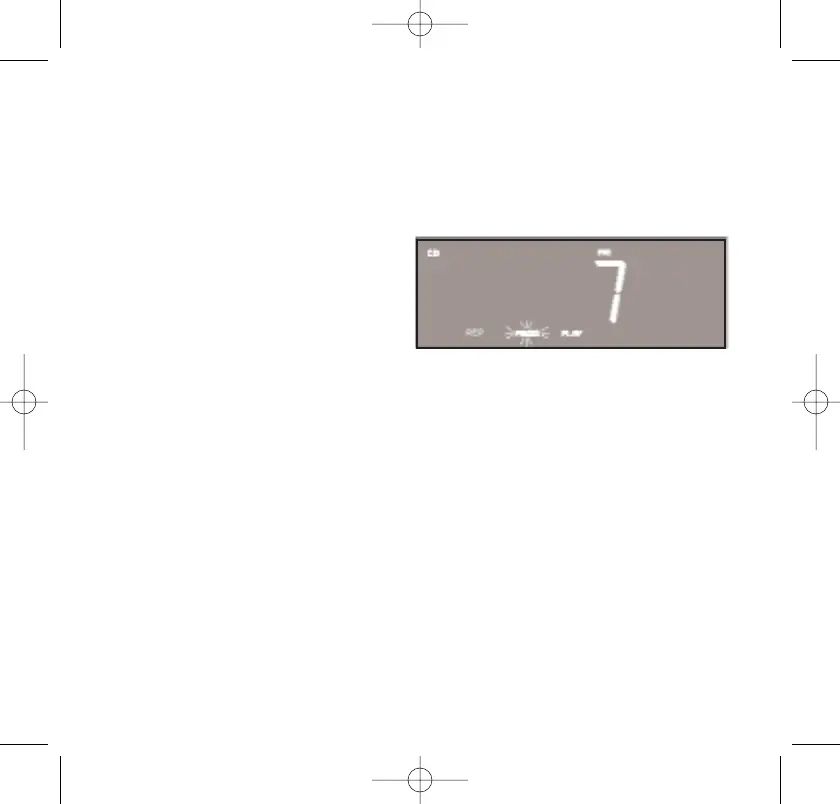
Programmed Repeat Playback
You can use the Repeat and Programmed Playback features together
to continuously repeat a programmed sequence of tracks if desired.
First program the desired tracks and start playback following steps 1
through 6 under Programmed Playback.
Then press the REPEAT button
twice to select All Tracks Repeat.
The programmed sequence will
be repeated continuously.
Alarm Operation
The dual alarms in this system give you the option of waking to the
radio, an electronic buzzer tone, or a track on your favorite CD.
You may also program one or both of the alarms for weekdays only,
weekends only, or everyday operation.
Before activating the alarms, first check the settings for Alarm 1 and
Alarm 2 and adjust if necessary.
Refer to Adjusting The Wake Up Times and Selecting The Alarm Mode.
40
467522_INS_SmartSet CD Alarm 3/22/07 9:25 AM Page 41



 To Next Page