Wake To Radio
1. Tune to the station that you
want to wake you up, adjust
the VOLUME control to the
desired level, then shut the
system ‘Off.’
2. Slide the ALARM 1 and/or
ALARM 2 selector switches
located on the left side panel
to the “RADIO” position.
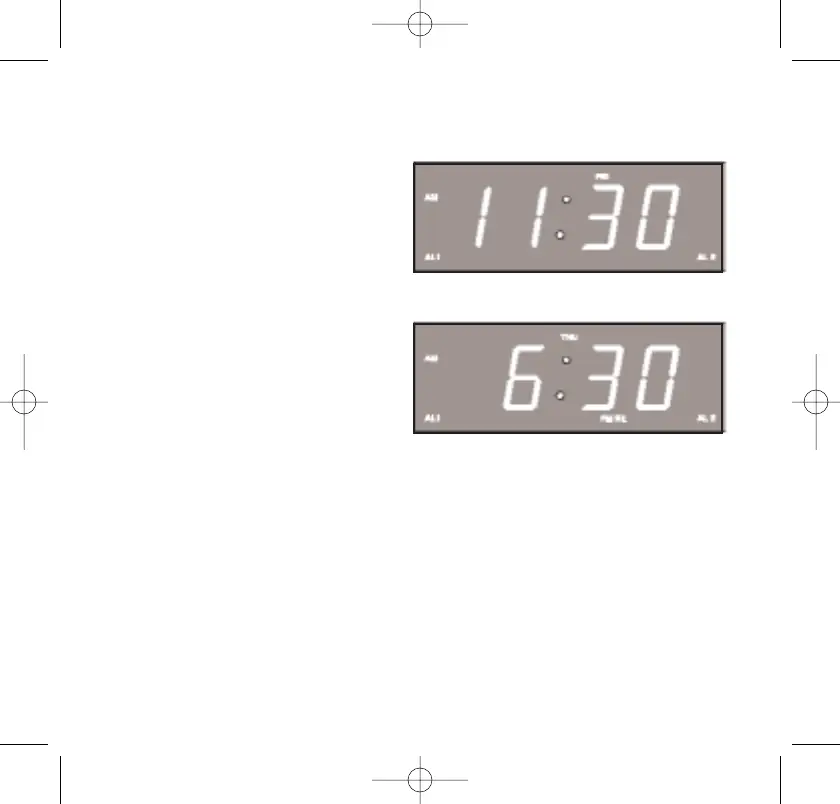
The AL 1 and/or AL 2
indicators on the front panel
will appear on the display to
confirm that the alarms are on.
3. At the selected wake-up time the radio will turn on to the
selected station. It will play for one hour and then shut off
automatically and reset itself for the following day.
To shut the radio off sooner, you can press either the POWER
ON/OFF button or the appropriate ALM 1 or ALM 2 button on the
top panel.
467522_INS_SmartSet CD Alarm Clock
5"W x 4.75"H
Output at 100% Prints 1/0 Black
41



 To Next Page