12
651307_INS090810_Cloud Force Helicopter
5”W x 4.75”H_Output: 100%_Prints 1/0 Blk
inTeRacTiVe baTTle Mode
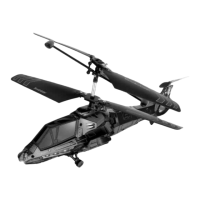
Get ready for aerial combat missions with your friends – or “enemies” – Combat
RC Helicopter.
PREPARATION FOR MISSION:
1. Sync your helicopter remote to either the A or B channel first, then have your
“enemy” syncs theirs to the other channel.
2. Make sure both copters are fully charged and ready to fly.
READY, AIM, FIRE!
1. While in flight, aim the front of your helicopter at your enemy’s copter, either
head-on or broadside, and press the SHOOT button on your remote.
2. If you score a hit, your enemy’s copter will blink its lights and spin several times.
3. On the third direct hit, your enemy will lose control of their copter, and the
copter will spin and descend safely to the ground. Mission accomplished!
4. The downed helicopter will recover (and reset) after a few moments, and will be
ready for the next dogfight.


 To Next Page