BrosTrend™ www.trendtechcn.com
2 / 22
Dear Customer,
Thanks a lot for choosing BrosTrend WiFi adapters.
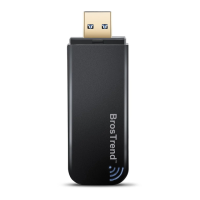
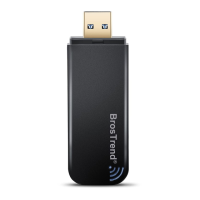
Please follow the below steps to install your AC Wireless Dual Band USB adapter; we
here introduce the installation steps on Windows PC and MAC OS X.
If you need further assistance, please send email to support@trend-tech.net.cn and we
will reply to you as soon as possible. Thanks for purchasing BrosTrend WiFi products!
We love our customers!
--------------------------------------------------------------------
With Best Regards!
BrosTrend WiFi Products Technical Support Team
Part 1: Working on Windows PC
1. Hardware Installation
1.1 Turn on your PC, insert BrosTrend USB WiFi Adapter to USB port of your PC
.
Note: After you insert the BrosTrend USB WiFi Adapter into USB port of your PC,
in case you see the below interface, please click the Cancel button.
1.2 Insert the driver CD from the package into the CD-ROM of your PC, find the
corresponding driver for the operating system of your PC. If your PC cannot run
the CD, please visit our website www.trendtechcn.com to find your model number
and then download the driver of it.



 To Next Page