Mac OS
®
X Operation
27
2
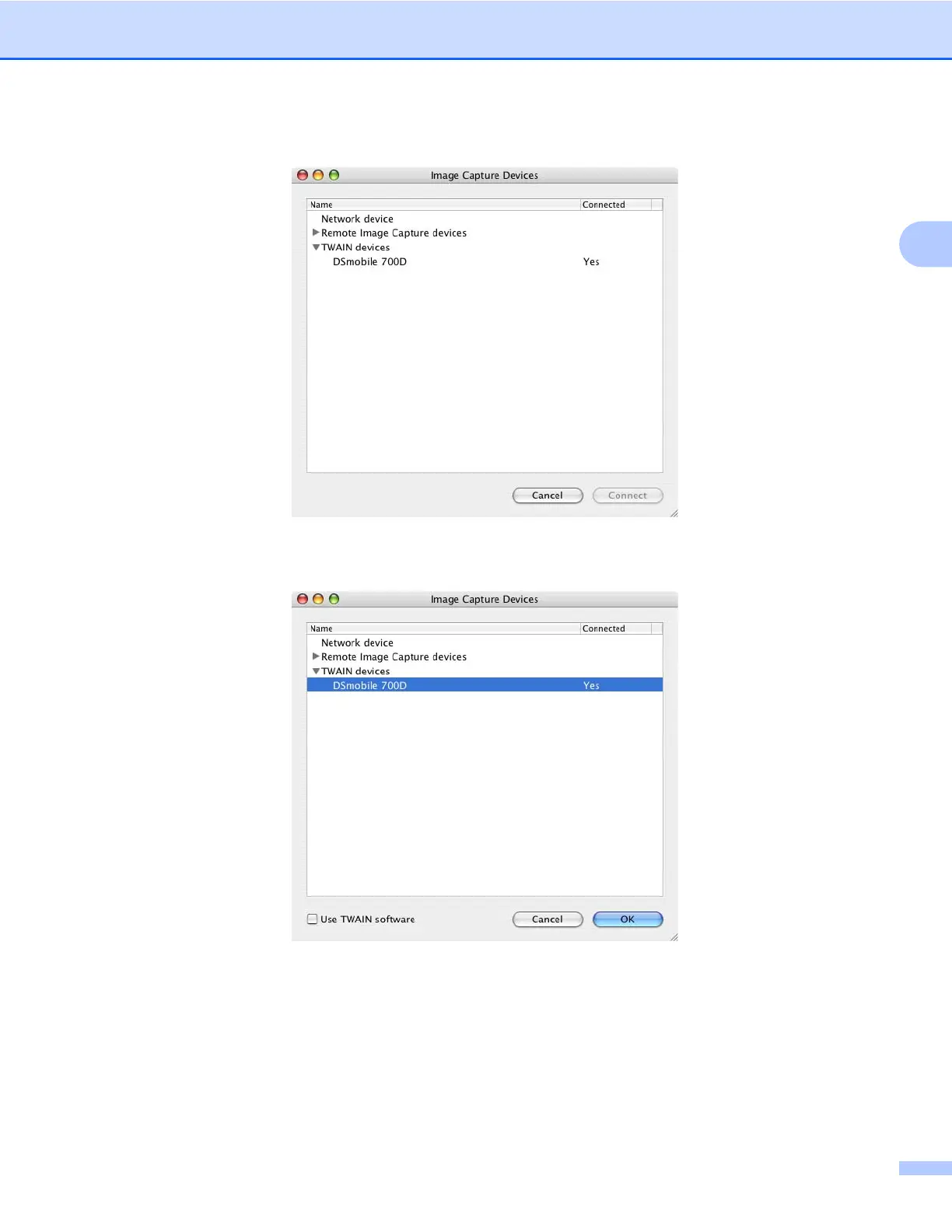
f The “Image Capture Devices” window will appear.
g Click on “DSmobile 700D”.
h Click on the “Use TWAIN software” checkbox at the bottom of the window.
i Click “OK” in the “Image Capture Devices” window.
j From the “Devices” menu, choose “DSmobile 700D”.
k In the “DSmobile 700D” window, click “Scan”.
l Click the “Calibrate” button.









 To Next Page