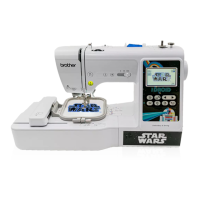
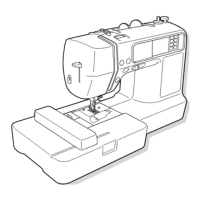
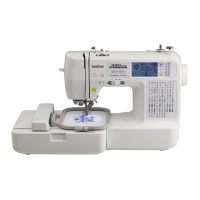
Updating Your Machine’s Software
97
APPENDIX
5
The machine’s software can be updated using USB flash
drive.
When an update program is available on Brother support
website at https://s.brother/cpjap/
, please download the
file(s) following the instructions on the website and steps
listed below.
When using the wireless function, the update mark is
displayed on the wireless LAN key.
: Updated software is available on our website.
Update the software.
: No updated software is available.
Version information can be checked from the settings
screen. (page 16)
a
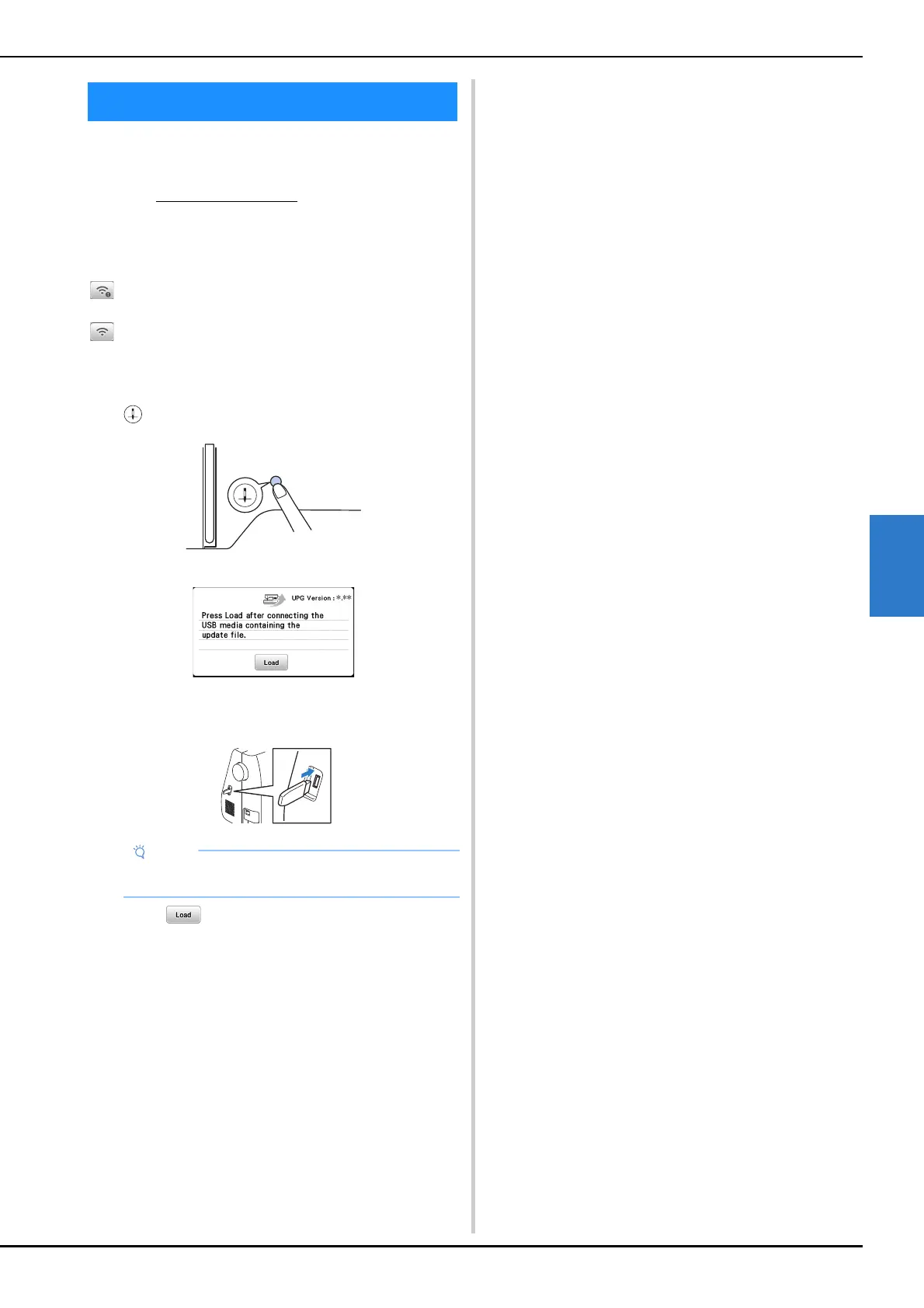
Turn on the machine while pressing and holding
(Needle position button).
The following screen appears.
b
Insert the USB flash drive into the USB port on the
machine.
c
Touch .
• Do not turn off the machine during the update.
When updating is finished, the completion message
appears.
d
Remove the USB flash drive, and turn the machine off
and on again.
Updating Your Machine’s Software
• Save only the update file on the USB flash drive.



 To Next Page