EasyManua.ls Logo

Brother LS-590 - User Manual

Brother LS-590
82 pages
Print Icon
To Next Page IconTo Next Page
Loading...
XL_brother_cover_Eng-Spa
ENGLISH/SPANISH
885
-
S28/S29
XD1794
-
021
Printed in China
6
5
4
3
2
1
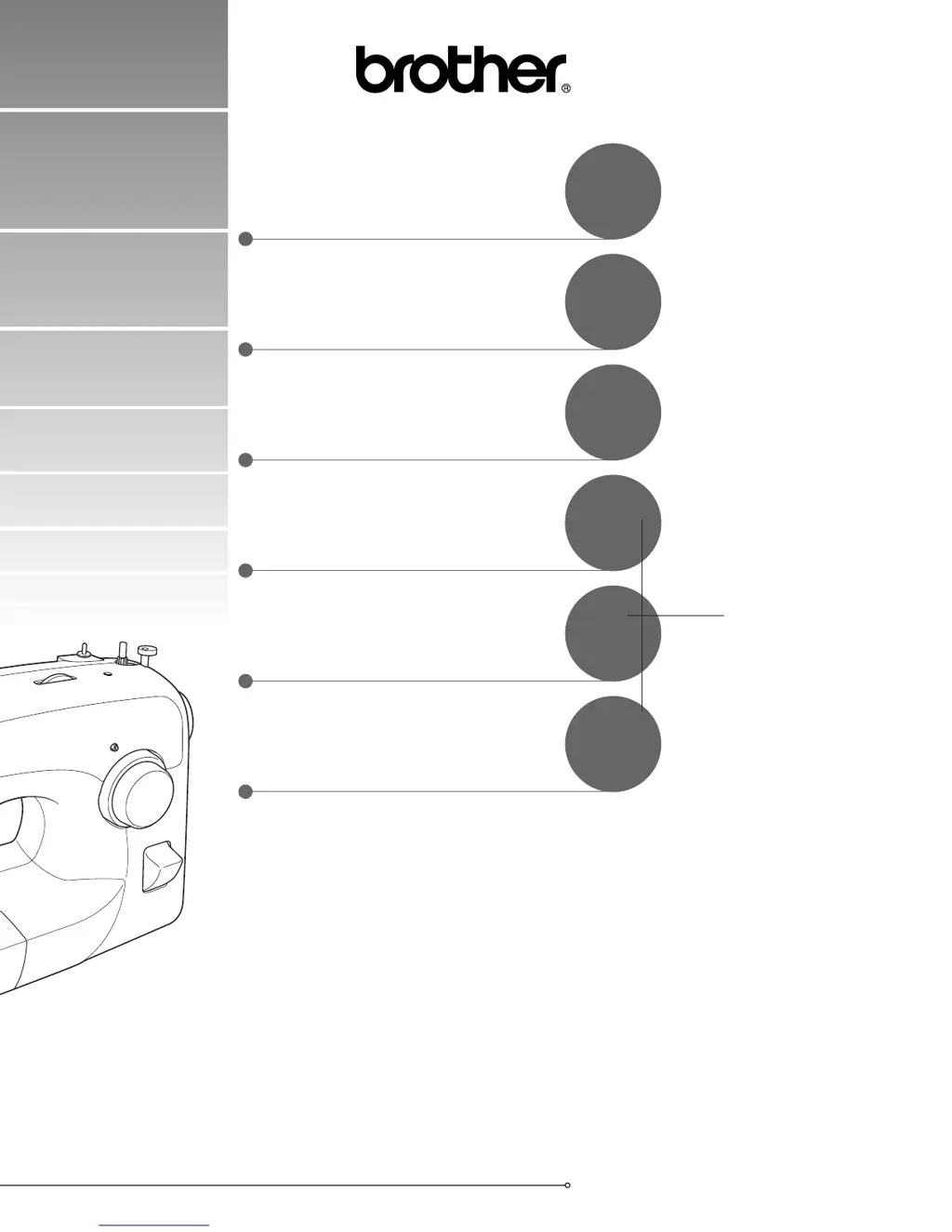
Operation Manual
Manual de Instrucciones
SEWING BUTTONHOLES AND
BUTTONS
COSTURA DE OJALES Y
BOTONES
PUNTADAS DE COSTURA
INCORPORADAS
BUILT-IN STITCHES
ANEXO
APPENDIX
USING ATTACHMENTS AND
APPLICATIONS
USO DE ACCESORIOS Y
APLICACIONES
STRAIGHT AND ZIGZAG
STITCHING
COSTURA RECTA Y EN ZIG-ZAG
KNOWING YOUR SEWING
MACHINE
CONOZCA SU MÁQUINA DE
COSER

Table of Contents

Questions and Answers

  • S
    Shawn RogersAug 17, 2025
    Why is my Brother LS-590 Sewing Machine not working?
    • S
      Scott GreenAug 17, 2025
      Your Brother Sewing Machine might not be working due to several reasons: it may not be plugged in, so ensure it is properly connected to a power source. The main power switch might be off, so turn it on. The bobbin-winder shaft could be pushed to the right; if so, move it to the left. Also, make sure you are using the foot controller correctly.
  • C
    Christopher PhillipsAug 20, 2025
    What to do if thread tension is incorrect on Brother LS-590 Sewing Machine?
    • C
      christopheralexanderAug 20, 2025
      If the thread tension is incorrect on your Brother Sewing Machine, ensure that the upper thread is threaded correctly and the bobbin thread is wound properly. Choose a thread and needle that are appropriate for the type of fabric you are using. Adjust the tension of the upper thread. Also, make sure you are using a bobbin that has been designed for this machine and that the bobbin is set correctly.
  • T
    Thomas FranklinAug 22, 2025
    Why are stitches skipped on my Brother LS-590?
    • J
      juan33Aug 23, 2025
      If stitches are skipped on your Brother Sewing Machine, make sure that the upper thread is threaded properly and that you are using the right combination of fabric, thread, and needle. Replace the needle if it is bent or blunt, and ensure it is inserted correctly. Remove the needle plate cover and clean the plate and the bobbin case to eliminate any accumulated dust.
  • I
    Ian WolfAug 25, 2025
    Why is my Brother Sewing Machine not feeding fabric?
    • N
      nicole25Aug 26, 2025
      If your Brother Sewing Machine is not feeding fabric, the stitch might be too fine, so lengthen the stitch length. Also, check if the darning plate is fitted on the needle plate and remove it if it is.
  • L
    Leslie MartinezAug 27, 2025
    Why does the needle keep breaking on my Brother Sewing Machine?
    • J
      Jasmine RamosAug 27, 2025
      The needle on your Brother Sewing Machine might be breaking because it is not fitted properly, so ensure it is correctly installed. The needle clamp screw could be loose; tighten it firmly with a coin or screwdriver. The needle might be bent or blunt, in which case you should replace it. Also, check that you are using the right combination of fabric, thread, and needle. If the upper thread tension is too tight, loosen it. Ensure the spool is fitted properly and that you are using a bobbin designed for this machine. If the area around the hole in the needle plate or presser foot, or the bobbin case is scratched, contact your retailer or the nearest authorized service center to replace the scratched parts.
  • K
    kellymcguireAug 30, 2025
    How to stop the upper thread from breaking on my Brother LS-590?
    • J
      Jose MckinneyAug 30, 2025
      The upper thread on your Brother Sewing Machine might be breaking because it is not threaded properly, so correct the upper threading. The needle might not be appropriate for the thread, so choose a suitable needle. If the upper-thread tension is too tight, loosen it. The thread could be tangled, so remove it and clean the bobbin case if necessary. Replace the needle if it is bent or blunt, and ensure it is inserted correctly. If the area around the hole in the needle plate or presser foot is scratched, or the bobbin case is scratched or has a burr, contact your retailer or the nearest authorized service center to replace the scratched parts. Make sure that you are using a bobbin that has been designed for this machine.
  • W
    William RiceSep 1, 2025
    Why is the lower thread tangled on my Brother LS-590?
    • A
      Angela AlvaradoSep 1, 2025
      The lower thread on your Brother Sewing Machine might be tangled or breaking because you have not wound the bobbin thread properly, so wind it correctly. The thread could be tangled, so remove it and clean the bobbin case. Ensure that you are using a bobbin designed for this machine and that the bobbin is set correctly.
  • B
    Brenda BlankenshipSep 4, 2025
    How to prevent fabric wrinkling with my Brother LS-590?
    • M
      Misty WellsSep 4, 2025
      To prevent fabric wrinkling with your Brother Sewing Machine, ensure that the upper thread is threaded properly and the bobbin is wound properly. Fit the spool correctly and use the right combination of fabric, thread, and needle. Replace the needle if it is bent or blunt, and adjust the tension of the upper thread.
  • R
    Robert HunterSep 6, 2025
    What causes incorrect stitches on a Brother Sewing Machine?
    • A
      Allison DiazSep 6, 2025
      Incorrect stitches on your Brother Sewing Machine can be caused by incorrect thread tension, so adjust the tension of the upper thread. It can also happen if the thread is tangled, so remove the tangled thread and clean the bobbin case if necessary.
  • B
    Brian LawrenceSep 9, 2025
    Why can't I use the needle threader on my Brother LS-590?
    • J
      Jonathan GallegosSep 9, 2025
      If you cannot use the needle threader on your Brother Sewing Machine, it might be because you have not moved the needle holder to its highest position. Turn the handwheel toward you (counterclockwise) to raise the needle holder. Also, ensure that you have inserted the needle properly.

Summary

KNOWING YOUR SEWING MACHINE

THE MAIN PARTS

Identifies and explains the primary components and features of the sewing machine.

USING YOUR SEWING MACHINE

Essential instructions for safely connecting and operating the sewing machine.

THE CONTROLS

Explains the function and operation of all control dials and levers.

THREADING THE MACHINE

Step-by-step guide for proper upper and lower thread setup.

STRAIGHT AND ZIGZAG STITCHING

Straight Stitching

Comprehensive guide to setting up and performing straight stitches.

Zigzag Stitching

Instructions for executing zigzag stitches and adjusting settings.

SEWING BUTTONHOLES AND BUTTONS

Making a Buttonhole (1-Step Automatic Buttonhole)

Step-by-step guide for creating automatic 1-step buttonholes.

Sewing Buttons

Method for securely attaching buttons using the sewing machine and zigzag stitch.

USING ATTACHMENTS AND APPLICATIONS

Zipper Insertion

How to install zippers using the specialized zipper foot for precise placement.

APPENDIX

Troubleshooting

A guide to diagnosing and resolving common sewing machine operational problems.

Brother LS-590 Specifications

General IconGeneral
BrandBrother
ModelLS-590
CategorySewing Machine
LanguageEnglish

Related product manuals